Does CVS Give Digital Photos? Complete Guide for 2026
Find out if CVS offers digital photo downloads and how the process works in 2026. Learn about passport photo compliance, pricing, and kiosk tips.
Need a passport photo that passes every check? You don’t have to hunt down a studio or spend a fortune. With the right size, lighting, and a few simple tricks, you can create an approved picture at home or drop it off at our Mumbai Digital Print & Photo Services.
In India the standard passport photo is 2 × 2 inches (51 × 51 mm) with a plain white background, a neutral expression, and no visible accessories. The photo must show your full face, shoulders, and a clear view of both ears. Anything else – shadows, hats, heavy makeup – can lead to rejection.
Grab a smartphone with a decent camera and follow these steps. First, set up a white wall or a plain sheet of paper. Make sure the lighting is even; natural daylight from a window works best. Avoid harsh shadows by standing a few feet away from the wall.
Dress in a solid‑color top – dark blue, black, or white work well. Skip busy patterns and bright jewelry. If you’re wondering about earrings, the latest regulations allow small studs but no large hoops or dangling pieces.
Position the camera at eye level. Keep your head centered and leave a little space above the crown. Hold a neutral expression – eyes open, mouth closed, no smile.
Take several shots, then use a free app to crop to the exact 2 × 2 inch dimensions. Apps like Passport Photo Maker or online tools let you adjust size, remove background, and preview the final image. Save the file in JPEG format with a resolution of at least 300 dpi.
If you’re not comfortable editing, send the raw photo to us. We’ll resize, clean the background, and print it on high‑quality glossy paper that meets all embassy standards.
Our studio combines fast turnaround with accuracy. We use calibrated printers that deliver sharp colors and consistent dimensions, so your photo looks professional every time.
Need a quick fix? Walk in and get printed copies in under 15 minutes. Want a digital file? We’ll email a ready‑to‑upload version that passes online visa portals.
We also help with tricky cases – children, seniors, or people who need glasses. Our staff knows the exact guidelines and can advise on clothing, background, and posture.
Pricing is transparent: a single passport photo costs just a few rupees, and bulk orders get a discount. No hidden fees, no surprise reprints.
Whether you DIY at home or let us handle the whole process, you’ll leave with a passport photo that’s accepted the first time. Skip the stress, save money, and get on your travel plans faster.
Got a question about sizing or acceptable accessories? Drop us a message or call our Mumbai office. We’re here to make your passport photo experience simple and hassle‑free.
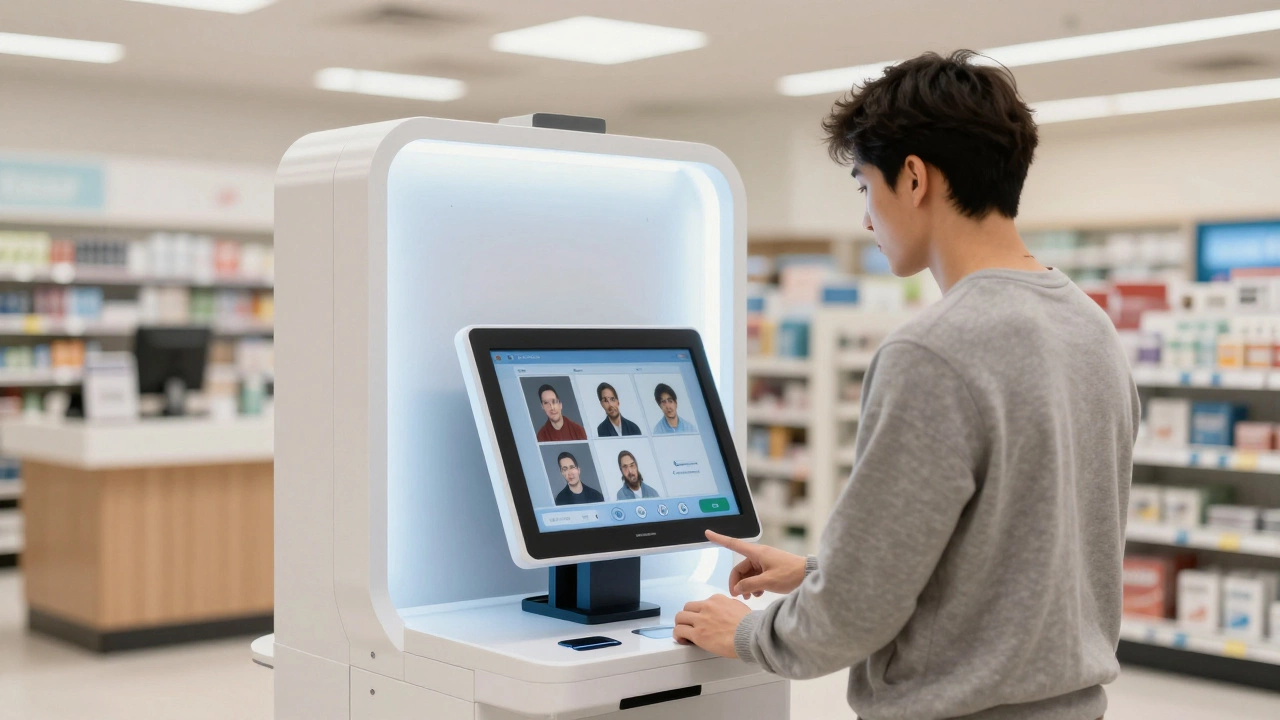
Find out if CVS offers digital photo downloads and how the process works in 2026. Learn about passport photo compliance, pricing, and kiosk tips.
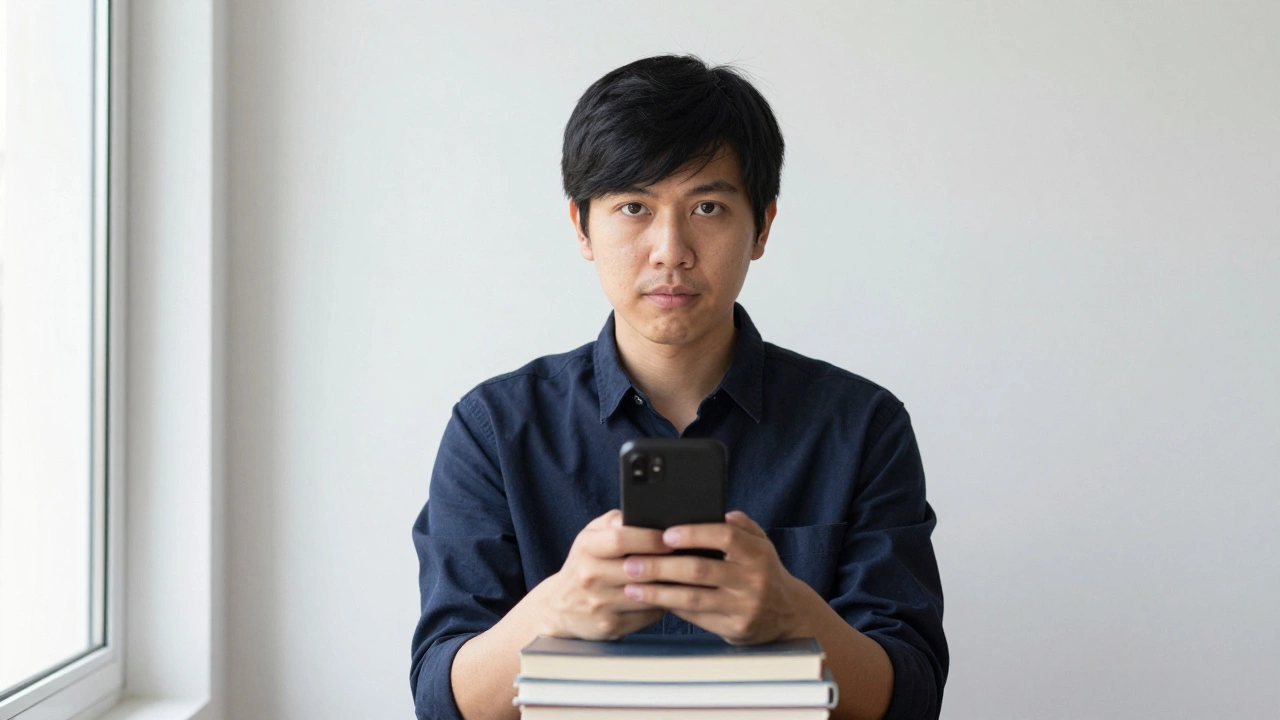
Learn how to take a passport-size photo for free at home using just your smartphone. Follow simple steps for lighting, background, and cropping to meet Indian passport requirements without paying a studio.
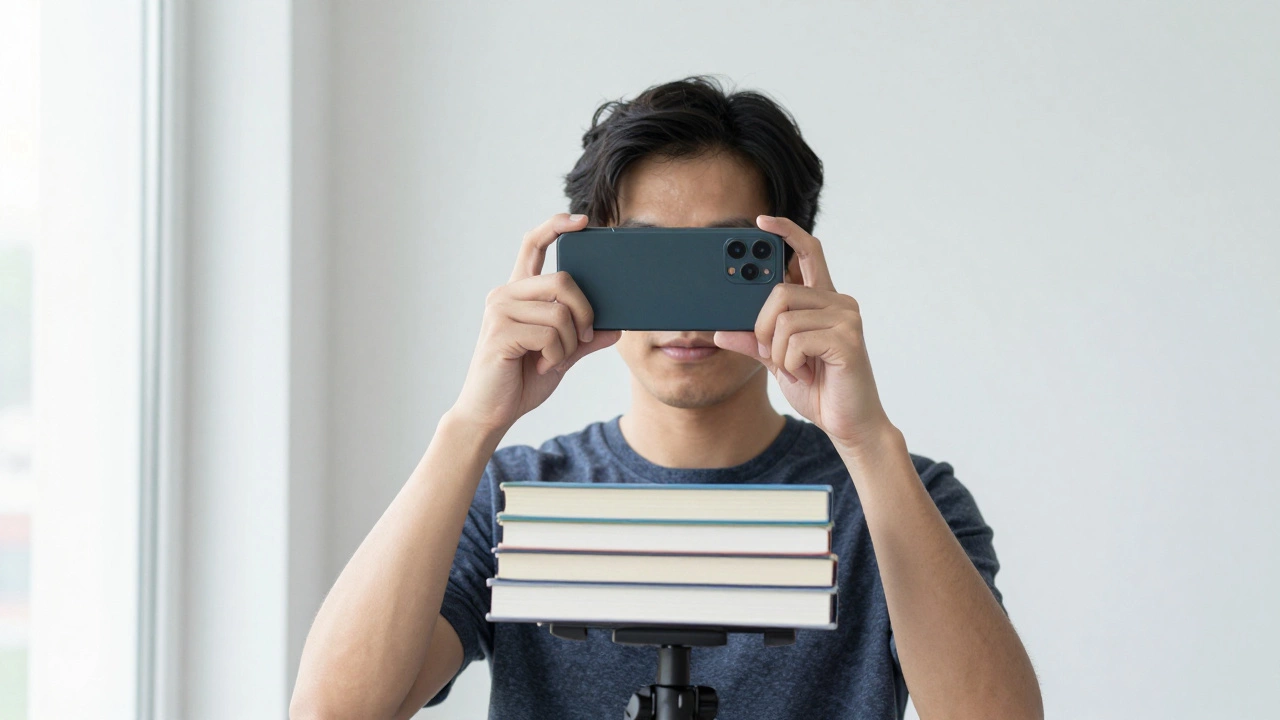
Learn how to print a passport size photo at home with exact sizing, lighting, and printing tips. Save money and avoid rejection by following simple steps using your phone, free apps, and photo paper.
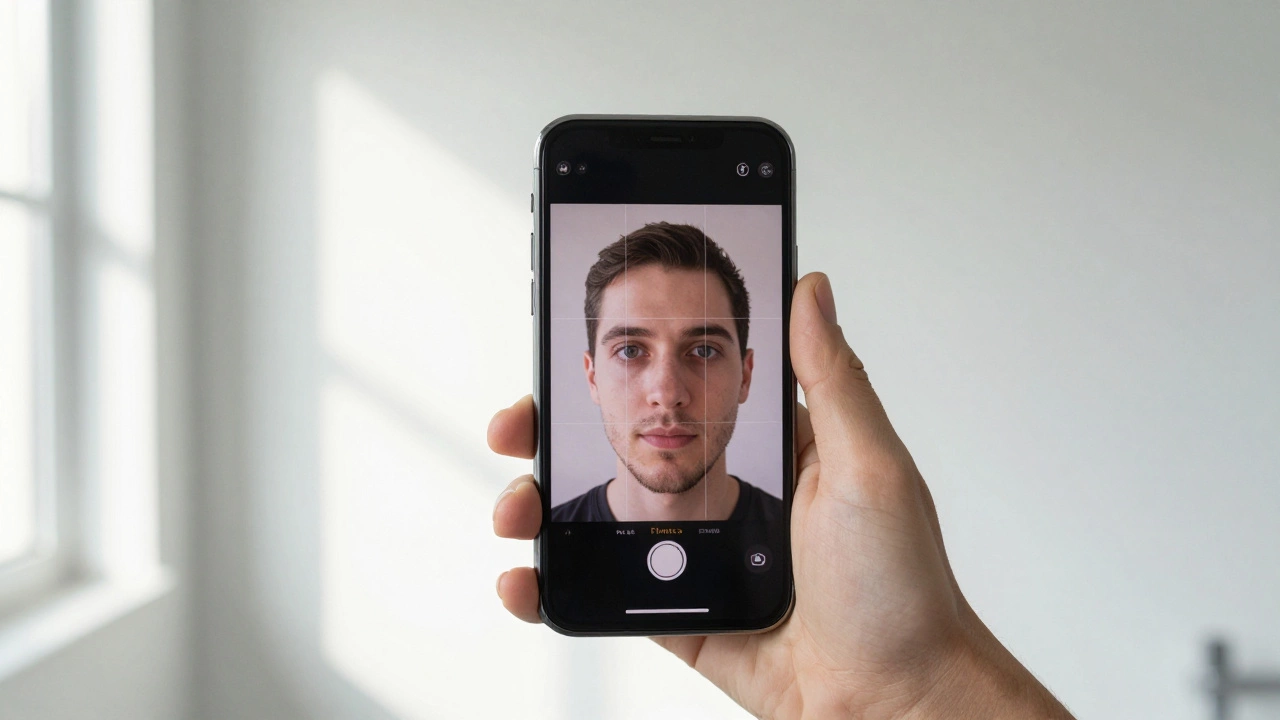
Learn how to crop a photo to 2x2 inches on your iPhone for free using only the built-in Photos app. Perfect for passport applications without paying for photo booths or apps.
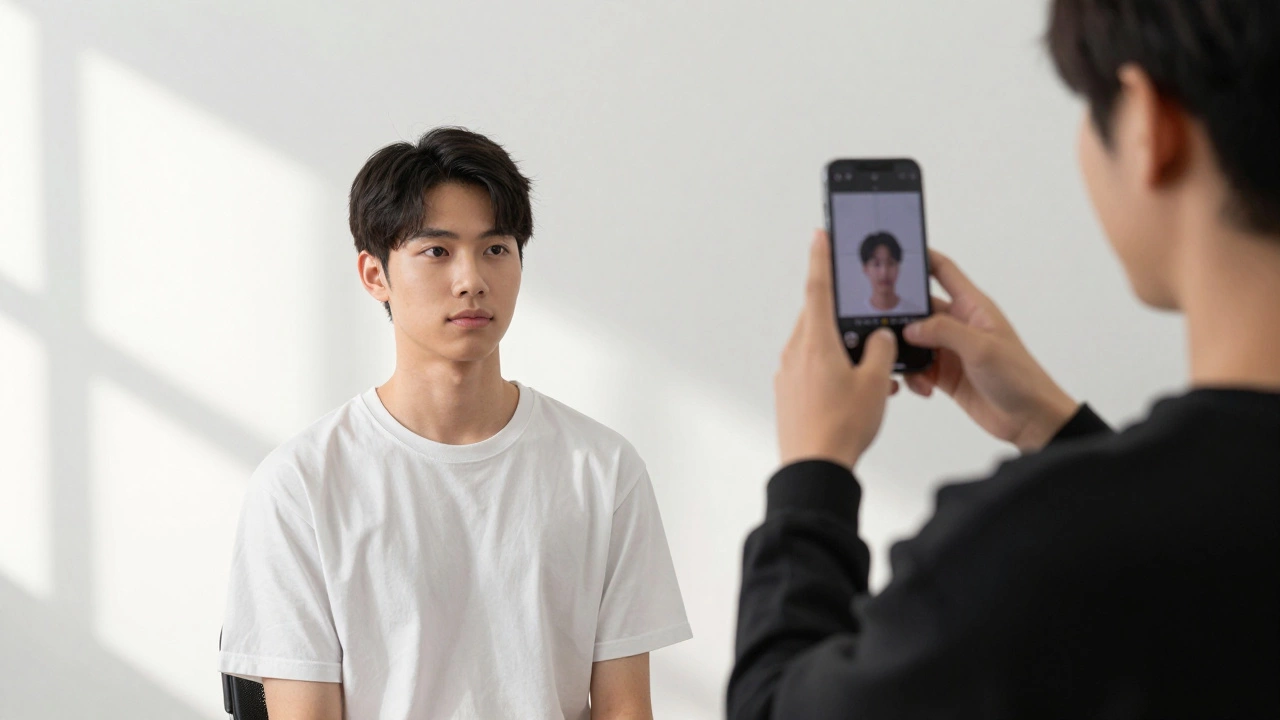
Learn how to take a passport-sized photo at home with just your smartphone and a plain wall. Follow simple steps to meet official requirements and avoid rejection.
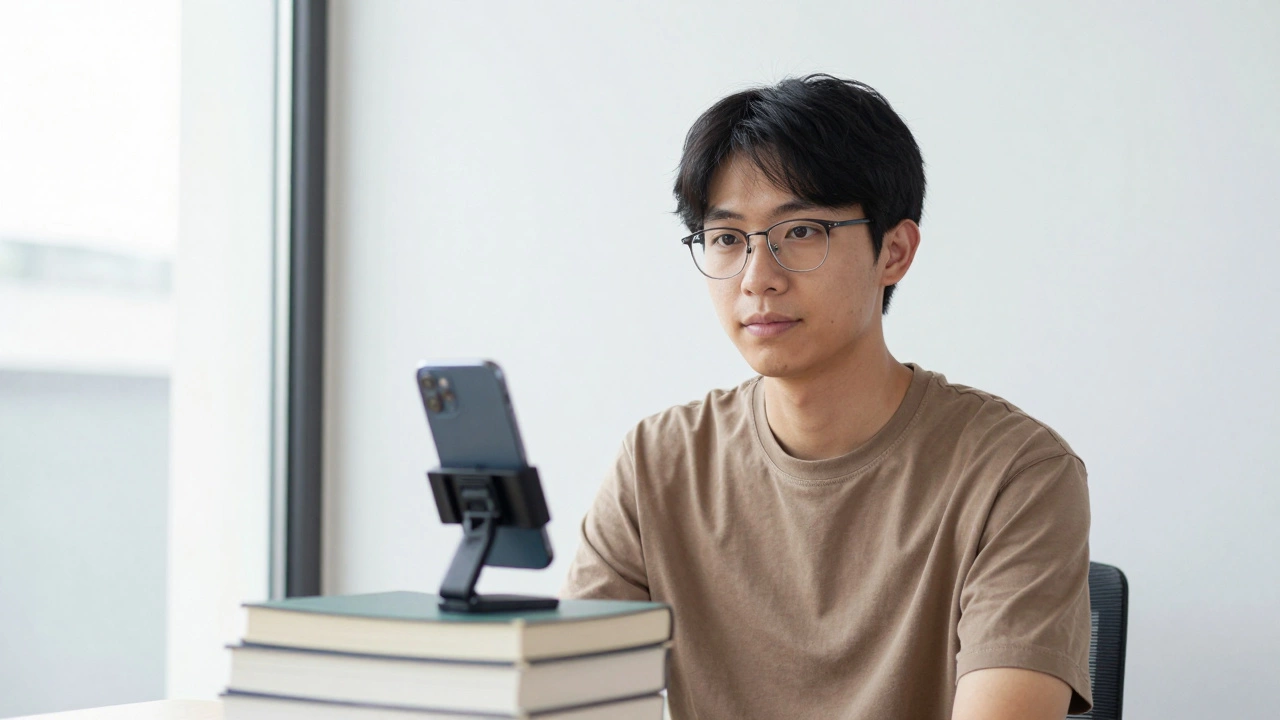
Learn how to take a passport-sized photo at home using just your smartphone and a plain wall. Follow simple steps to meet India's strict photo requirements and avoid common mistakes that cause rejections.
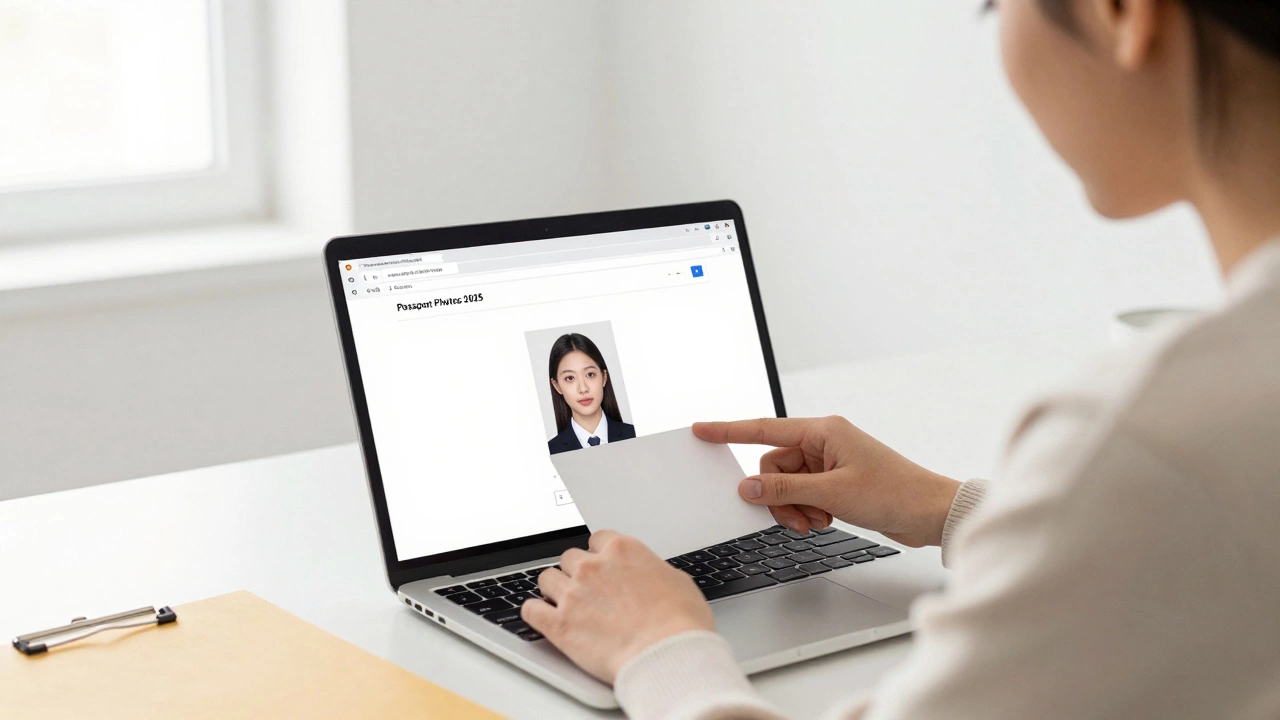
You can download your digital passport photo-but only if you save it right after approval. Learn where to find it, how to keep it safe, and which services actually store your photo for later use.
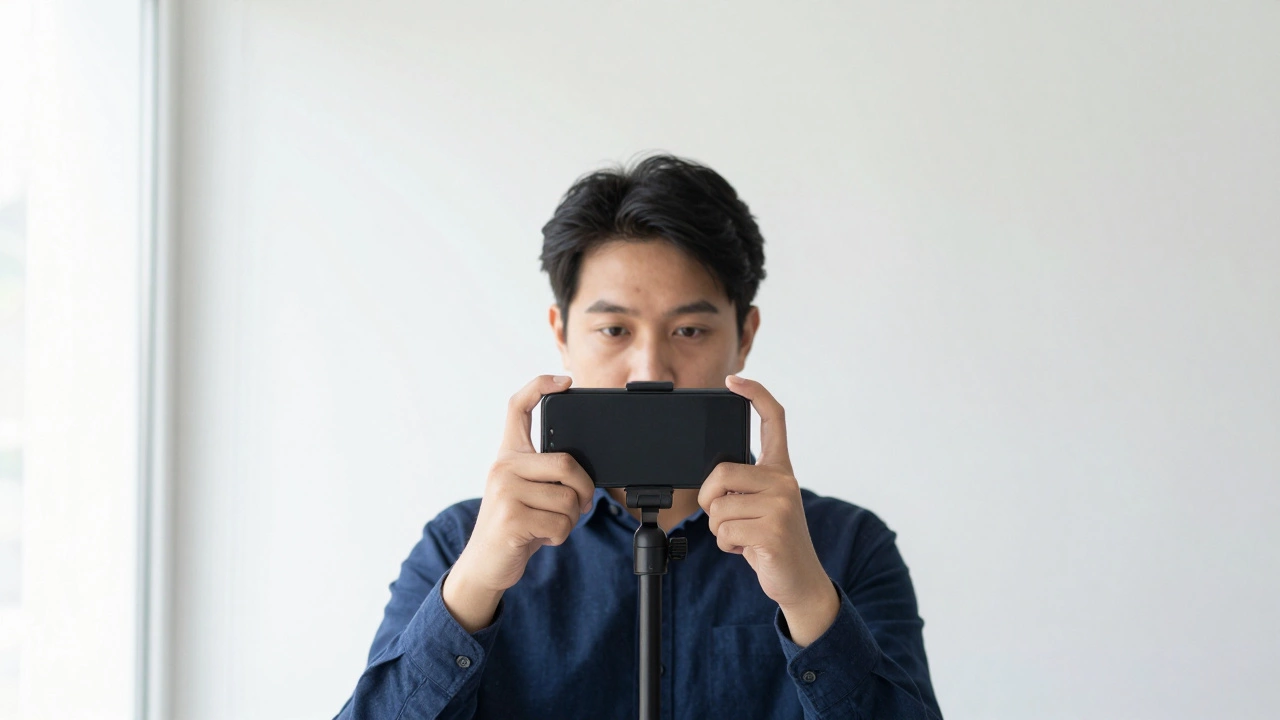
Most selfies don't meet passport photo rules. Learn what actually works-background, lighting, expression, and how to take a compliant photo at home without spending a dime.
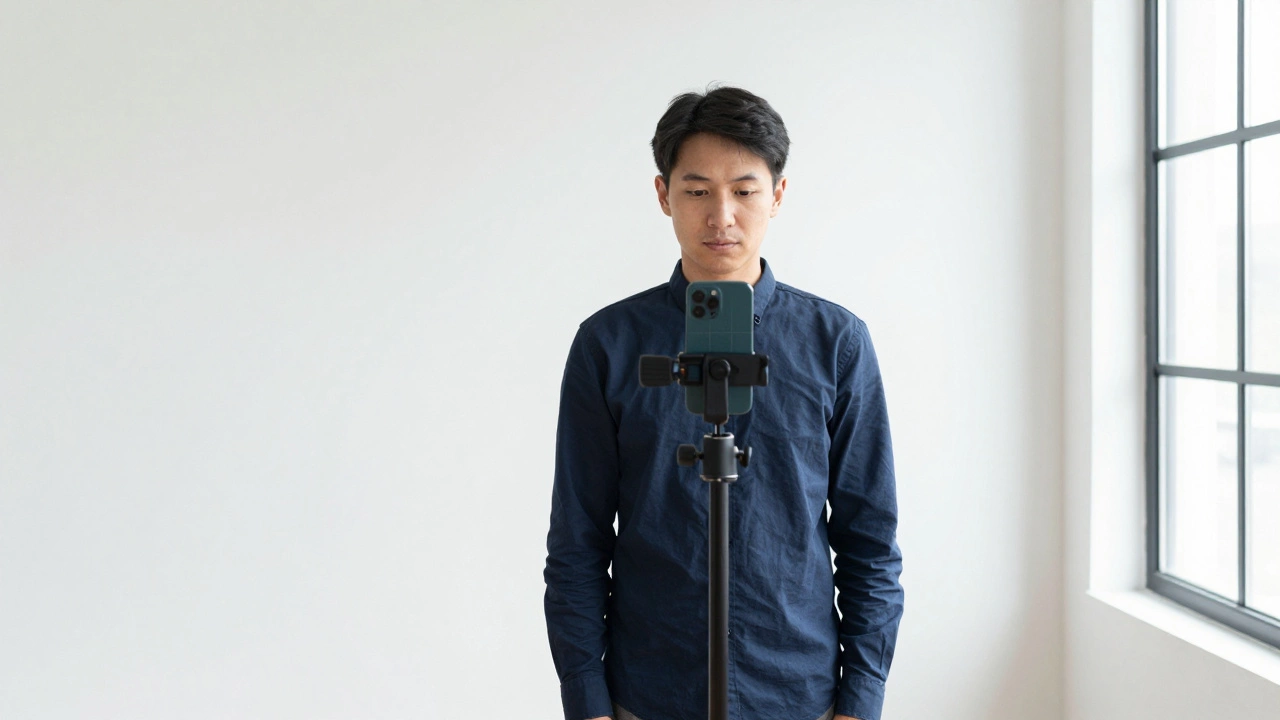
Learn how to turn a normal photo into a passport photo using free tools and step-by-step guidance. Follow official rules for size, background, lighting, and expression to avoid rejection.
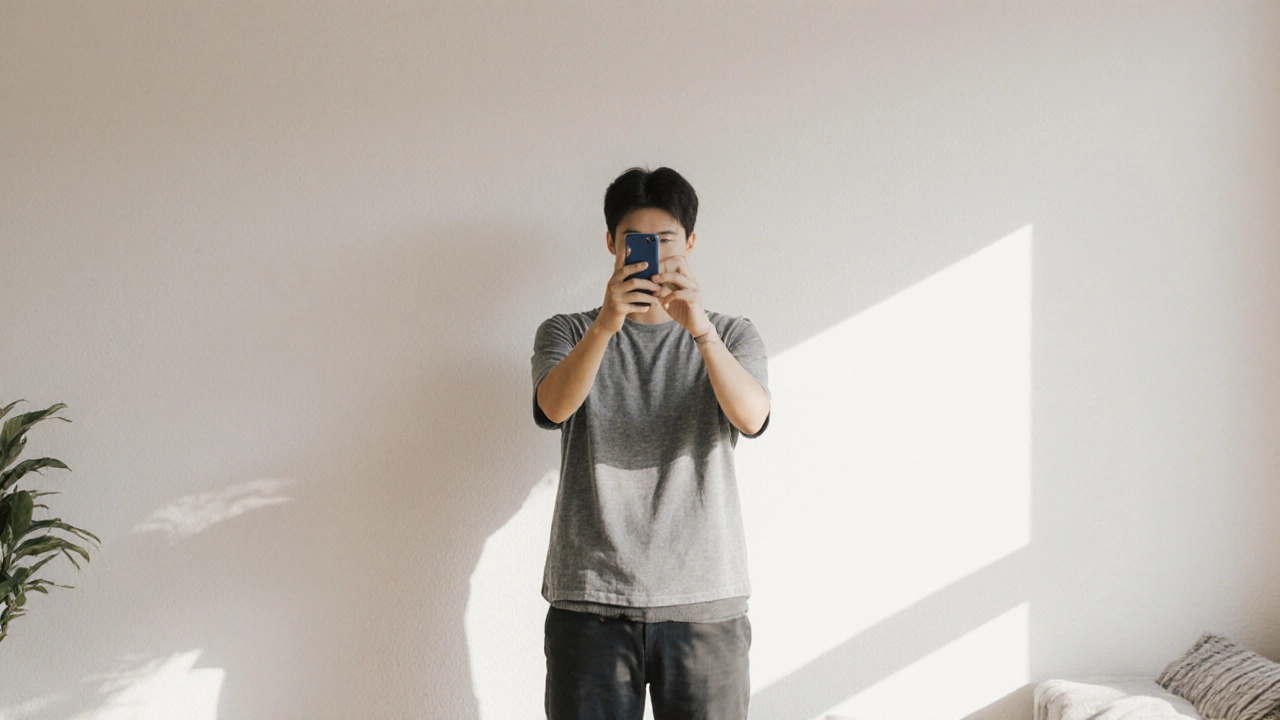
Is passport photo online free? Yes - but only if you do it yourself. Learn how to take a free, government-approved passport photo with your phone and avoid hidden fees from fake online services.
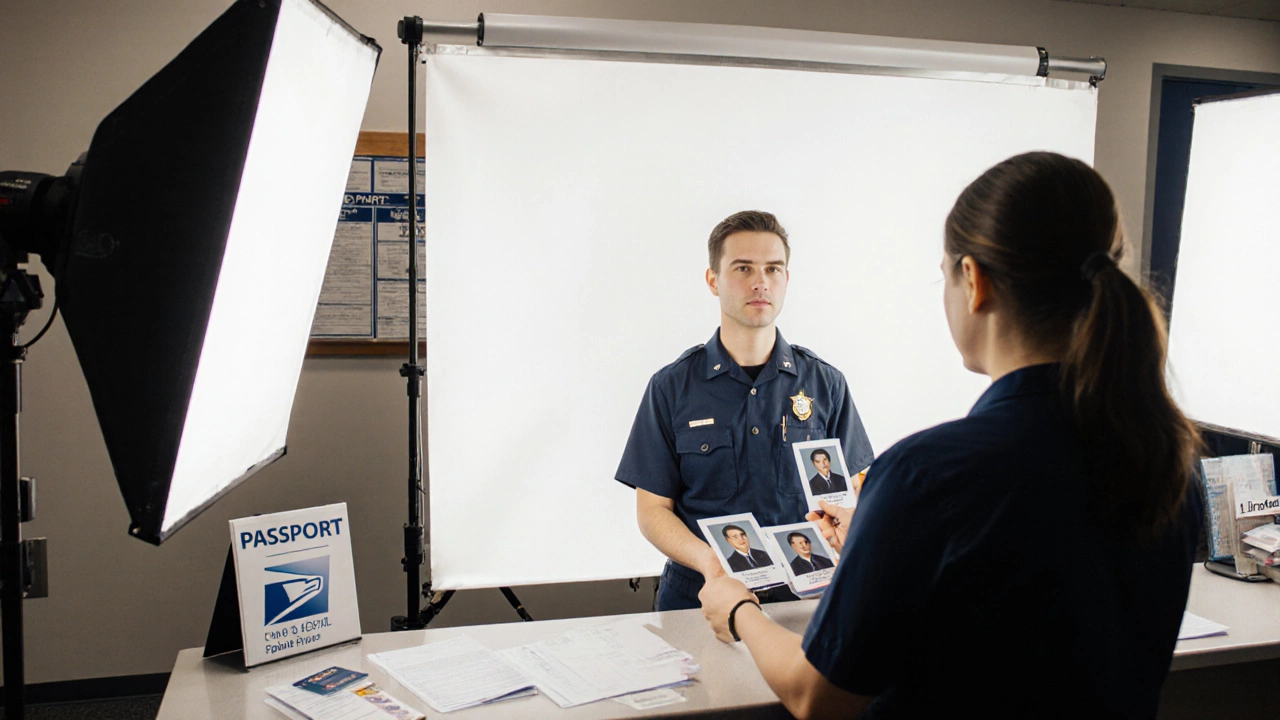
Yes, most U.S. post offices offer passport photo services for $15. Learn the exact requirements, common mistakes that cause rejection, and better alternatives like CVS or online photo apps to save time and avoid delays.
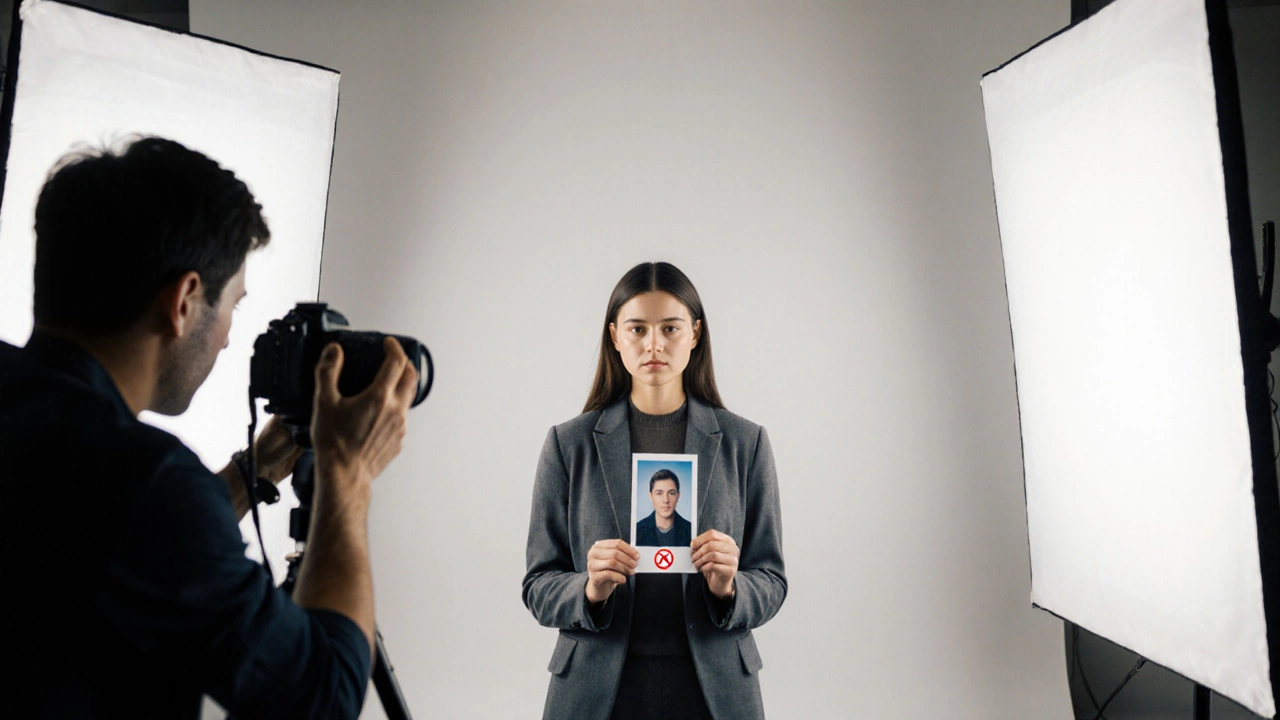
Learn exactly what’s forbidden in a passport photo, from glasses to headwear, and get a step‑by‑step checklist to avoid rejections.