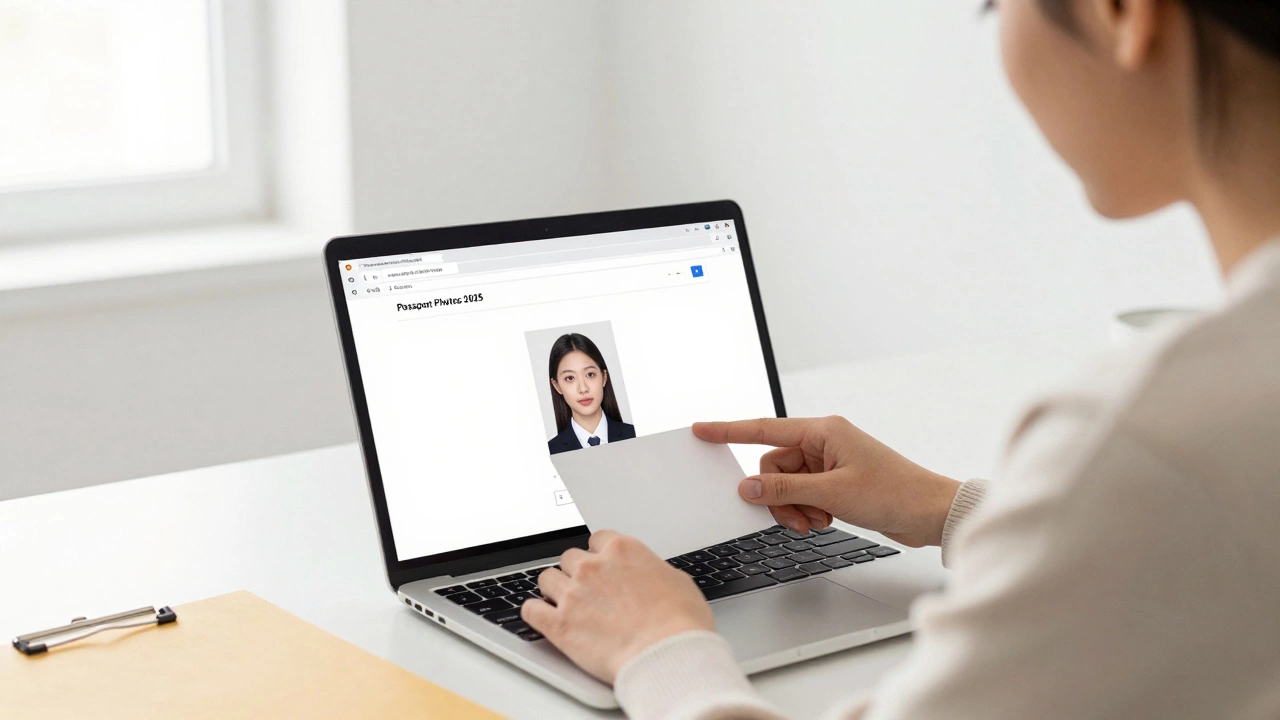
Passport Photo Requirements Checker
Check Your Passport Photo Requirements
Enter your photo specifications to see if they meet the requirements for your destination country.
If you’ve ever applied for a passport online, you’ve probably been asked to upload a digital photo. But once you’ve submitted it, can you actually download that same photo back? The short answer: yes-but not always easily, and not always in the format you need.
Why You Might Want to Download Your Digital Passport Photo
People often need their passport photo after submission for a few practical reasons. Maybe you’re applying for a visa in another country and they require a fresh copy. Or perhaps you’re updating your driver’s license, school ID, or work badge and want to use the same photo to keep things consistent. Some countries even ask for a printed version of the digital photo you submitted with your passport application. If you didn’t save a copy when you took it, you could be stuck paying again or waiting days for a new one.How Digital Passport Photos Are Created
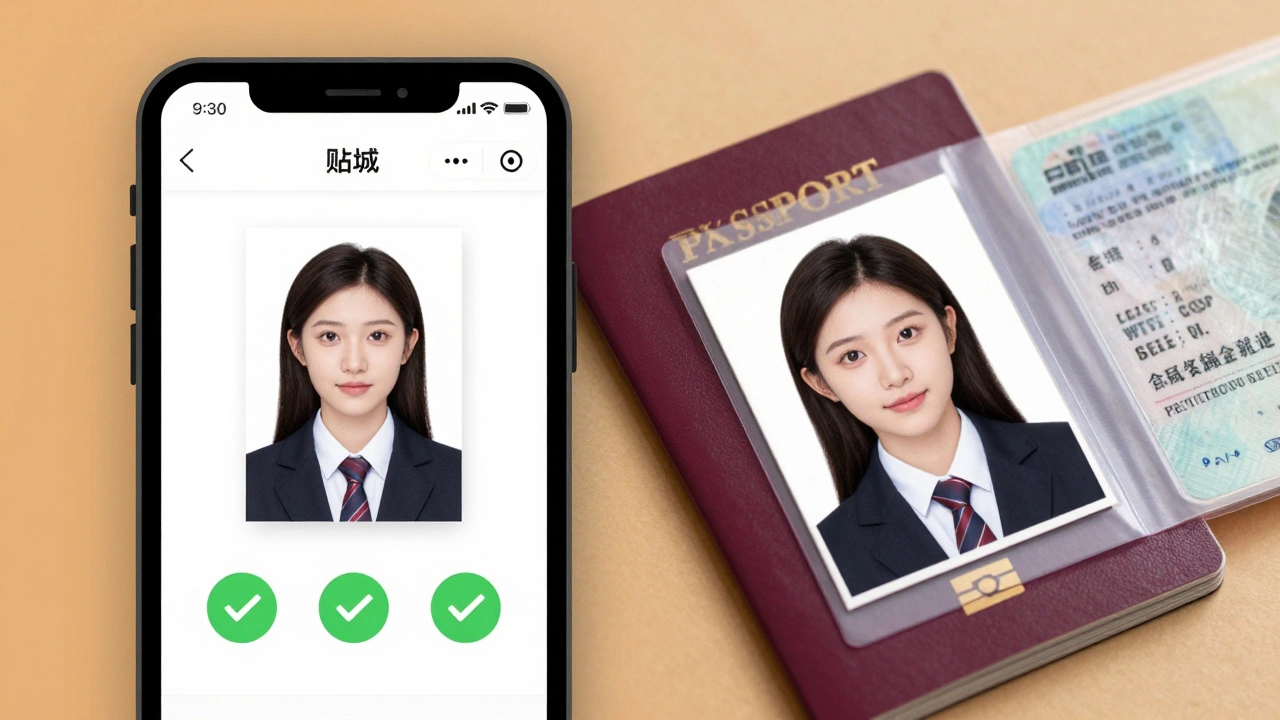
Most governments now accept digital passport photos taken through approved online services or apps. These platforms use AI to check your photo against official standards: proper lighting, neutral expression, no glasses, correct head size, plain white or off-white background, and no shadows. Once your photo passes, the system generates a file-usually a JPEG or PNG-that meets the exact pixel dimensions and file size required by your country’s passport authority. In the U.S., for example, the Department of State requires a 600x600 pixel image, under 240 KB, with the face centered and covering 50-70% of the frame. The UK requires 480x640 pixels. These aren’t just guidelines-they’re strict rules. If your photo fails, your application gets delayed.Can You Download It After Submission?
It depends on where you took the photo. If you used a government-run portal like the U.S. Department of State’s photo tool or the UK’s online passport photo checker, you’ll usually get an option to download your approved photo right after it’s verified. Most systems save it to your account dashboard. You just log in, go to your application history, and click “Download Photo.” But if you used a third-party app like Passport Photo Online a web-based service that generates government-compliant passport photos using AI, ID Photo a mobile app popular in Europe and Canada for creating official ID photos, or VisaPhoto a service used for Schengen visa applications with country-specific templates, the download option is built into the process. These services typically let you download the file immediately after approval-and often send it to your email too. The problem comes when you didn’t download it at the time. Some apps delete your photo after 30 days to protect privacy. Others store it for up to a year but require you to pay again to re-download. That’s why saving the file right after approval isn’t just smart-it’s essential.What If You Didn’t Save It?
If you’ve lost your digital passport photo and didn’t save it, you have a few options. First, check your email. Most services send a confirmation with a download link right after approval. Search your inbox for keywords like “passport photo approved,” “your photo is ready,” or the name of the service you used. If that doesn’t work, log into the account you used to submit the photo. Many platforms keep your photos in a “My Photos” or “Application History” section-even if you’ve already submitted your passport application. You might be surprised to find it still there. If the service doesn’t store it, or if you used a kiosk at a post office or pharmacy, your options shrink. In the U.S., the Department of State doesn’t store your submitted photo after processing. You’ll need to take a new one. The same goes for Canada, Australia, and the UK. There’s no central database you can access to retrieve your old photo.How to Save Your Photo the Right Way
Here’s how to make sure you never lose your digital passport photo again:- Download the file the moment you get approval-don’t wait.
- Save it in at least two places: your phone and a cloud folder (Google Drive, iCloud, or Dropbox).
- Name the file clearly: “John_Doe_Passport_Photo_2025.jpg”
- Print a physical copy and keep it with your important documents.
- Take a screenshot of the approval page as backup-some apps show the photo clearly on-screen even if download fails.
What Format Should You Download?
Most countries accept JPEG (.jpg) files for digital submissions. Some, like those applying for Schengen visas, require PNG files. Always check your country’s official passport website for the exact format. The file size matters too. Too big? The system rejects it. Too small? It looks blurry when printed. Most systems require between 100 KB and 240 KB. The resolution should be at least 600x600 pixels. Anything lower and it won’t meet quality standards. Don’t try to resize the photo yourself using basic tools like Paint or Preview. These often mess up the pixel density and cause rejection. Stick to the file the system gives you.Common Mistakes That Prevent Download
Even if you think you did everything right, here are the top reasons people can’t download their photo:- Using a free app that doesn’t store files after submission
- Clearing your browser cache before downloading
- Trying to download from a mobile device without saving to your photo library
- Assuming the government stores your photo for you
- Using an unofficial website that claims to “store your passport photo forever” (they don’t-many are scams)
What About Government Offices?
If you took your photo at a post office, library, or pharmacy that offers passport photo services, ask if they can email or print a copy for you. Some do. Others only provide a printed version and don’t keep digital files. In those cases, you’re out of luck unless you brought a USB drive and asked them to save it on the spot. In countries like Germany and Japan, photo booths at train stations often give you a digital copy on a USB stick for a small fee. In the U.S., most photo kiosks don’t offer digital downloads unless you pay extra. Always ask before you take the photo.How Long Do Services Keep Your Photo?
This varies widely:- Government portals (like U.S. or UK): No storage after processing. You’re on your own.
- Passport Photo Online: Stores photos for 12 months with account login.
- ID Photo (iOS/Android): Saves locally on your device unless you delete the app.
- VisaPhoto: Keeps files for 6 months, then deletes unless you pay to extend.
- Unofficial sites: Often delete within 24-48 hours.
Can You Use the Same Photo for Multiple Applications?
Yes-if it’s still recent. Most countries require your passport photo to be taken within the last six months. So if you used a photo from January 2025 for your passport, you can use the same one for a visa application in May 2025. But not in July. Also, make sure the photo meets the requirements of each country. The U.S. doesn’t allow glasses in passport photos, but some European countries do. Your photo might be perfect for one application and rejected for another.What to Do If Your Downloaded Photo Gets Rejected
Even if you downloaded the file from an approved service, you might still get rejected later. Why? Because the system that approved it might have had a glitch, or you edited the photo afterward. Never crop, brighten, or filter your passport photo after download. Even small changes can throw off the facial recognition algorithms used by border control systems. If you need to print it, use a high-quality printer and matte photo paper. Avoid glossy finishes-they reflect light and cause rejection. If your photo gets rejected after you’ve already paid for your passport or visa, you’ll likely need to submit a new one. That means paying again. That’s why it’s better to double-check your photo with a second tool before submitting.Best Tools to Get and Save Your Digital Passport Photo
Here are three trusted options that let you download and save your photo securely:| Service | Download Available? | Storage Time | Cost | Best For |
|---|---|---|---|---|
| U.S. Department of State Photo Tool | Yes, during submission | None after submission | Free | U.S. passport applicants |
| Passport Photo Online | Yes, email and account | 12 months | $10-$15 | Multiple applications, global use |
| ID Photo (Mobile App) | Yes, saves to device | Until app deleted | $5-$10 (one-time) | Mobile users, quick edits |
Final Tip: Always Keep a Backup
Your passport photo is more than just a picture. It’s part of your legal identity. Losing it can delay travel, cost money, and cause stress. Treat it like your passport number or social security card. Take five seconds after approval to download it. Save it twice. Print one copy. Don’t assume someone else is storing it for you. Governments and apps don’t owe you a backup. You do.Can I download my passport photo from the government website after my application is approved?
No, most government portals like the U.S. Department of State or UK Home Office don’t store your photo after processing. You must download it during the submission process. Once your application is complete, the file is deleted from their system.
Why can’t I find my passport photo in my email?
Check your spam or junk folder. Some services use automated emails that get filtered. Search your inbox for the name of the photo service you used, or look for keywords like “approved,” “photo,” or “download.” If you used a mobile app, the photo is saved on your device, not sent by email.
Is it safe to use third-party apps to take my passport photo?
Yes, if the app is well-known and has a clear privacy policy. Services like Passport Photo Online and ID Photo use encrypted servers and delete your photo after a set time. Avoid unknown websites that ask for your passport number or payment to “store your photo.” Legit services don’t need your ID number to generate a photo.
Can I use the same digital passport photo for multiple countries?
You can, as long as the photo is under six months old and meets each country’s specific rules. For example, the U.S. doesn’t allow glasses, but Germany does. Always check the requirements for each application before submitting.
What should I do if my downloaded passport photo is rejected?
Don’t edit the photo yourself. Even small changes can cause rejection. Take a new photo using an approved tool and make sure it meets all requirements. If you’re unsure, use a service that offers a guarantee-if your photo is rejected, they’ll fix it for free.