You’ve got your passport renewal notice, a camera in your hand, and a mirror. You think: Can I use a selfie as a passport photo? It’s quick, it’s easy, and you’ve taken hundreds of them before. But here’s the hard truth: most selfies won’t pass. Not because they’re ugly, but because they break rules you didn’t even know existed.
Why Your Selfie Probably Won’t Work
Passport photos aren’t just pictures. They’re biometric identifiers. Governments need them to match your face to your identity with 99.9% accuracy. That means lighting, background, expression, and positioning all have to be exact. A selfie taken in your bedroom with a phone camera? It’s almost always out of compliance.The U.S. Department of State, the UK Home Office, Canada’s Passport Program, and the EU’s Schengen rules all agree on the same core standards. If your photo fails any one of these, you’ll get it back with a rejection notice-and you’ll have to start over.
Here’s what goes wrong with most selfies:
- Background isn’t plain white or off-white. You took it in front of your bed, your bookshelf, or a patterned curtain. Even a slightly off-white wall counts as a violation.
- Your face is too dark or too bright. Flash from your phone creates harsh shadows under your eyes or chin. Natural light from a window? Often too uneven.
- You’re smiling or showing teeth. Neutral expression only. No grins, no frowns, no raised eyebrows. Even a slight smile can trigger an automated rejection.
- Your head is tilted or turned. You angled your phone to fit your whole face. The system needs your face centered, facing forward, with both eyes clearly visible at the same level.
- Your hair covers your ears or forehead. No hats, headbands, or thick braids that obscure facial features. Even a loose strand across your eyebrow can be flagged.
- You’re wearing glasses. Unless you wear them 24/7 for medical reasons, they’re not allowed. Reflections, glare, and frame shadows mess with facial recognition.
What a Passport Photo Actually Needs
Let’s cut through the noise. Here’s what the U.S. State Department, UK Passport Office, and other major authorities require-straight from their official guidelines:- Size: 2 x 2 inches (51 x 51 mm)
- Head size: Your face must take up 50-70% of the photo’s height, from chin to top of head
- Background: Solid white or off-white only. No shadows, no patterns, no windows behind you
- Expression: Neutral, mouth closed, eyes open and clearly visible
- Lighting: Even, no shadows on face or background, no red-eye
- Attire: Normal clothing. No uniforms, no hats (unless for religious reasons), no headphones
- Glasses: Only if medically necessary. No tinted lenses. No glare
- Photo quality: High resolution, no pixelation, no filters, no editing
That’s it. No extra rules. No hidden tricks. Just clear, consistent, and precise.
Can You Take a Passport Photo at Home? Yes-If You Do It Right
You don’t need a studio. You don’t need to pay $20 at the drugstore. But you do need to treat it like a professional photo shoot.Here’s how to do it yourself, step by step:
- Use a plain white wall. Hang a white sheet or use a white poster board taped to the wall. No shadows, no texture.
- Use natural light. Stand facing a large window. Don’t sit with the window behind you. Morning light works best-soft, even, no harsh glare.
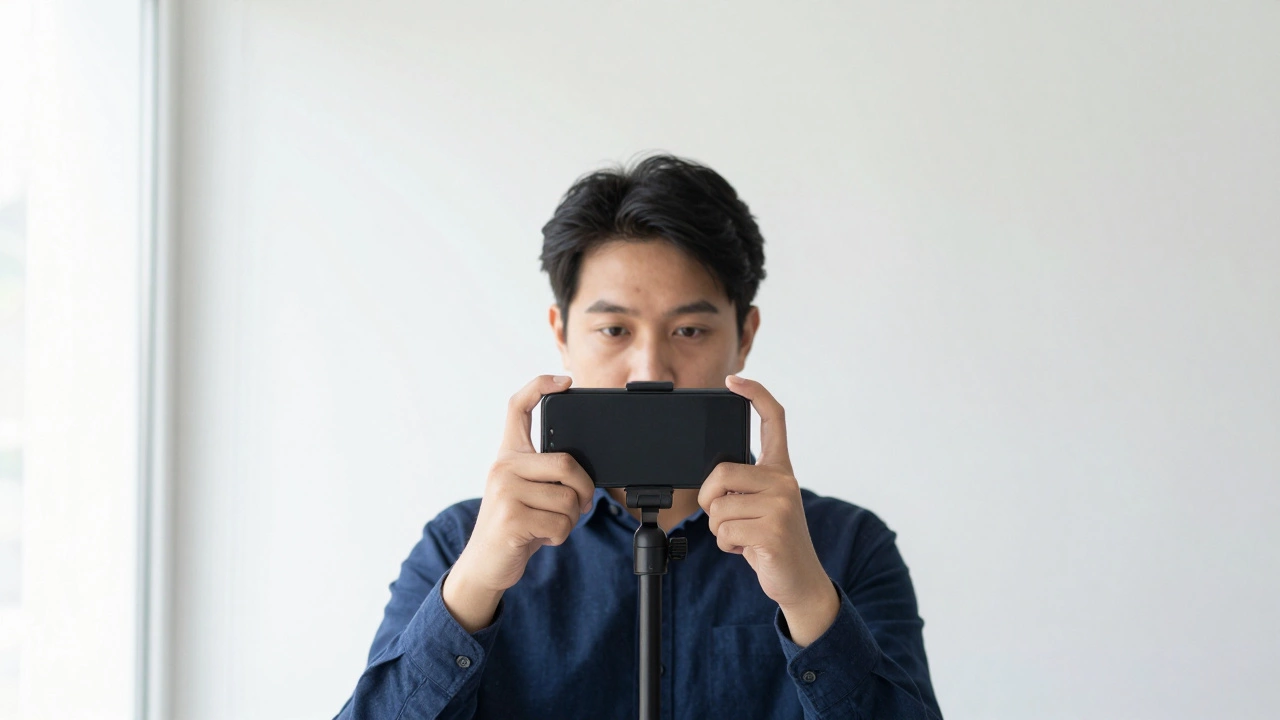
- Use a tripod or prop your phone. Set your phone or camera at eye level. Don’t hold it. Tilting the camera changes your face angle.
- Use the timer or remote. Set a 3-second delay. That way you’re not leaning forward or squinting from the flash.
- Wear neutral clothing. No white shirts-they blend into the background. Choose something dark or colorful.
- Remove glasses. If you can, take them off. If you must wear them, make sure there’s zero glare. Adjust the angle until the lenses don’t reflect light.
- Take 5-10 photos. Don’t pick the first one. Look for the one where your eyes are open, your face is centered, and your expression is completely neutral.
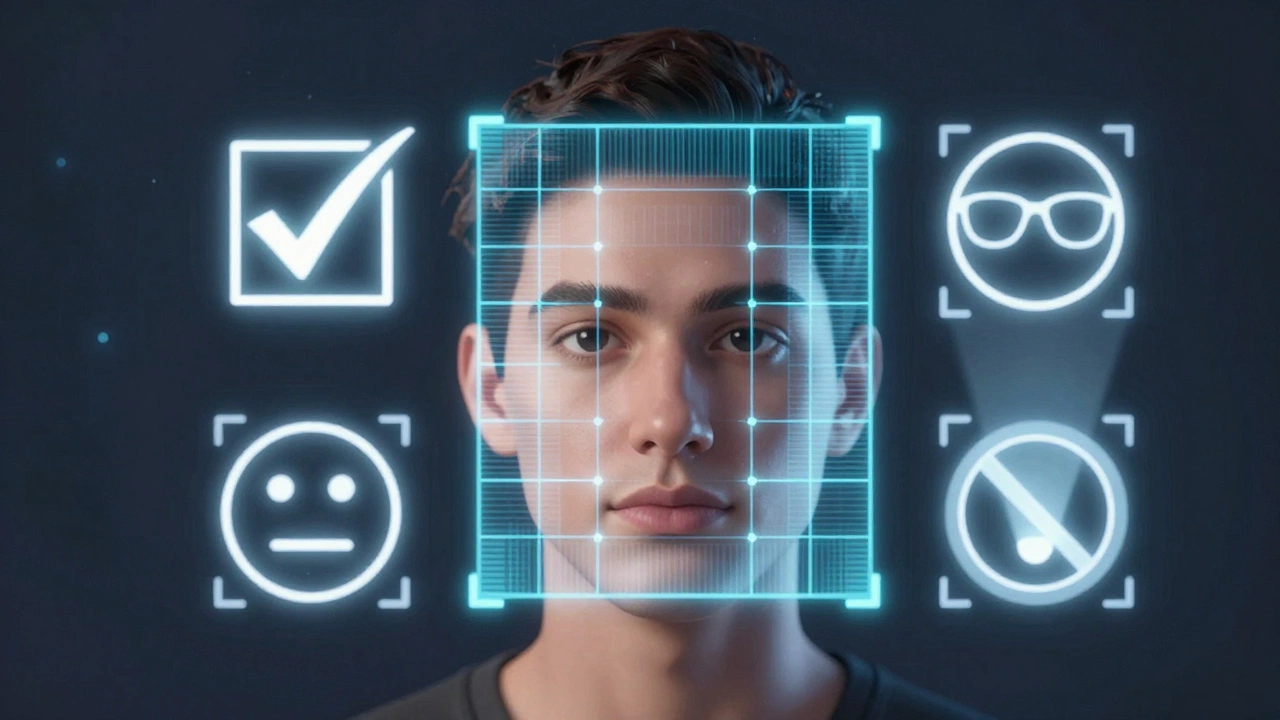
- Use a free passport photo app. Apps like Passport Photo Online, Visa Photo, or Passport Photo Maker can check your photo against official specs. They’ll crop it, adjust the background, and tell you if it passes.
One real example: A woman in Ohio took 27 selfies before she got one accepted. She used a white bedsheet, stood in front of her bathroom window at 9 a.m., and used the timer. Her first 20 photos had shadows. The next 5 had her smiling. The 26th had her hair covering one ear. The 27th? Perfect. She submitted it. Got her passport in 10 days.
What Happens If You Submit a Selfie That Doesn’t Meet Standards?
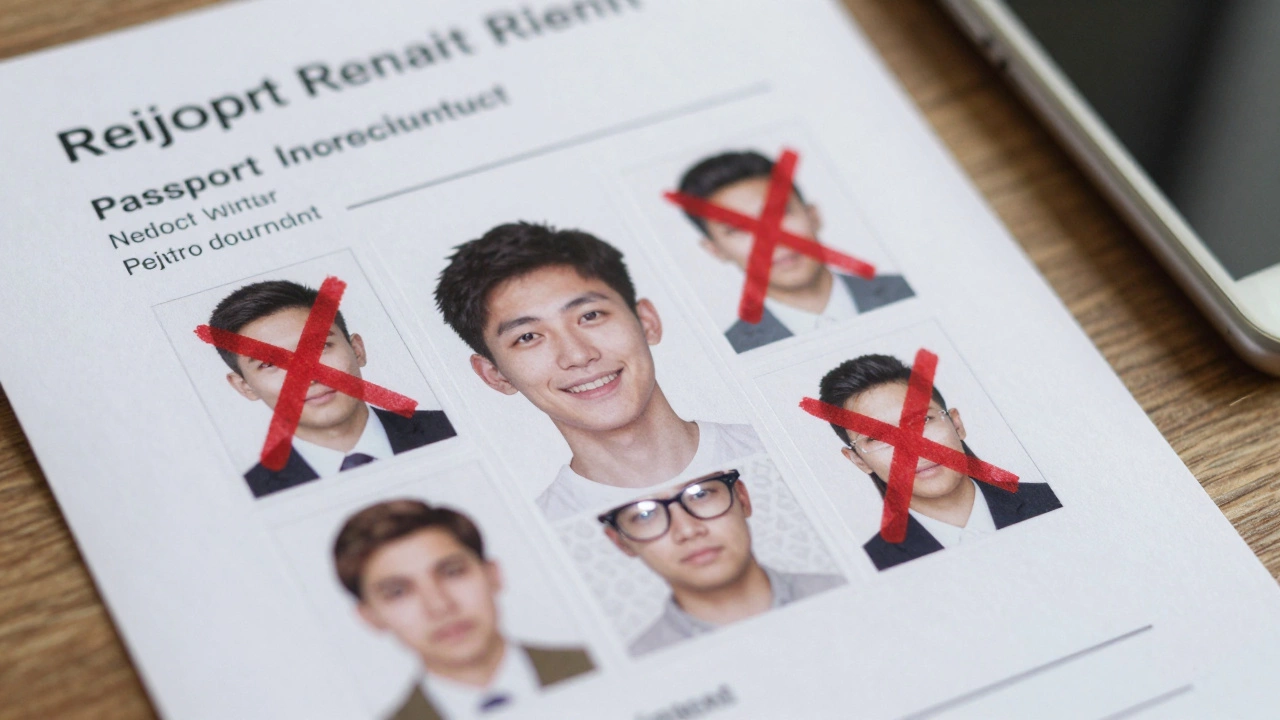
You won’t get a call. You won’t get an email. Your application just sits in limbo. In the U.S., if your photo fails, you’ll get a letter saying “photo does not meet requirements.” You’ll have to mail in a new one. That adds 2-4 weeks to your wait time.Some countries, like Canada and Australia, will reject your application outright if the photo doesn’t meet specs. You’ll have to restart the whole process, pay again, and wait longer.
There’s no appeal. No second chance. No “it’s close enough.” The system is automated. A computer scans your photo for exact measurements, lighting contrast, and facial landmarks. If it’s off by 2 millimeters? Rejected.
When Is It Okay to Use a Selfie?
Only if it meets every single rule above. No exceptions. No “it’s just for fun.”There’s one gray area: some countries allow digital passport photos submitted online. For example, the UK lets you upload a photo when renewing online. But even then, they use AI to scan for compliance. If your selfie fails, you’ll be asked to upload a new one. Same rules. Same rejection risk.
So if you’re thinking, “I’ll just try it and see,” you’re risking delays, extra fees, and missed trips. It’s not worth it.
What’s the Best Alternative?
If you don’t want to risk it, here are your best options:- CVS, Walgreens, or Walmart: Most have passport photo stations. They cost $15-$20. They guarantee compliance. You walk out with two printed copies.
- Post offices: In the U.S., Canada, and the UK, many post offices offer passport photo services. Often cheaper than pharmacies.
- Online photo services: Sites like Passport Photo Online or iVisa let you upload a photo. They check it, fix it, and mail you printed copies in 1-3 days. Cost: $10-$15.
None of these require you to be a photography expert. You just show up, follow the instructions, and get it done.
Bottom Line
Can you use a selfie as a passport photo? Technically, yes-if it meets every single technical requirement. Practically? Almost never. The odds are stacked against you. One wrong shadow. One slight smile. One reflection on your glasses. That’s it. Rejected.Don’t gamble with your travel plans. Use a photo service. Or if you’re determined to do it yourself, follow the exact steps above. Take multiple shots. Use a white background. No glasses. No smile. No shadows. Then check it with a trusted app before submitting.
Your passport matters. Your photo shouldn’t be an afterthought.
Can I use my phone camera to take a passport photo?
Yes, you can use your phone camera, but only if you follow strict guidelines: use a plain white background, even natural lighting, keep your face centered and neutral, remove glasses, and avoid shadows. Most phone selfies fail because of poor lighting, tilted angles, or colored backgrounds.
Why can’t I smile in a passport photo?
Passport photos use facial recognition technology that maps your bone structure. A smile changes the shape of your cheeks, mouth, and eyes, making it harder for systems to match your face to your identity. Neutral expressions ensure consistency across borders and years.
Do I need to take off my glasses for a passport photo?
Yes, unless you have a medical reason to wear them 24/7. Glasses cause glare, reflections, and shadows that interfere with facial recognition. Even non-tinted lenses can block part of your eyes. If you must wear them, adjust the angle so there’s zero reflection.
What if my passport photo gets rejected?
If your photo is rejected, your application will be delayed. You’ll need to submit a new, compliant photo, which can add 2-4 weeks to your wait time. Some countries will reject your entire application, forcing you to restart and pay again. Always check your photo with an official tool before submitting.
Can I use a selfie taken in front of a mirror?
No. Mirrors cause reflections, double images, and uneven lighting. Even if your face looks right, the system will flag the photo for inconsistencies. Always take the photo directly, facing the camera, with a plain background behind you.
Are passport photo apps reliable?
Yes, reputable apps like Passport Photo Online, Visa Photo, and Passport Photo Maker are designed to meet official standards. They check background color, head size, lighting, and facial positioning. Many offer a money-back guarantee if your photo is rejected. Always choose one that cites government guidelines.
Can I wear a headscarf or religious head covering?
Yes, if it’s worn daily for religious reasons. But your full face must be visible. The covering cannot cast shadows on your face or hide your hairline, ears, or jaw. The photo must still show your entire face clearly from the bottom of your chin to the top of your forehead.
Do passport photo rules change by country?
The core rules are nearly identical across the U.S., Canada, UK, EU, Australia, and New Zealand. All require a plain white background, neutral expression, no glasses (unless medically necessary), and proper head sizing. Minor differences exist in file format or resolution, but the visual standards are globally aligned.