How to Take Passport Size Photos for Free
Learn how to take a passport-size photo for free at home using just your smartphone. Follow simple steps for lighting, background, and cropping to meet Indian passport requirements without paying a studio.
When you need a passport photo, a standardized image used for official identification documents like passports and visas. Also known as biometric photo, it's not just any snapshot—it’s a legal document that must meet strict government standards. Most people think they need to visit a photo studio or post office, but that’s outdated. You can take a perfect passport photo at home—with your phone, a white wall, and 5 minutes. The key isn’t fancy gear. It’s following the rules.
What makes a passport photo get rejected? It’s never the camera. It’s the background, the plain white or off-white surface behind your head that must be uniform and shadow-free. A blurry wall, a curtain, or even a faint shadow from your shoulder will get you turned down. Then there’s the lighting, the even, soft illumination that removes harsh shadows on the face and ensures no glare on glasses. Natural light from a window works better than a flash. Your face must be fully visible, eyes open, mouth closed, no smile. No hats, no headphones, no sunglasses—even if you wear them daily. These aren’t suggestions. They’re rules enforced by immigration offices worldwide.
And here’s the truth: most online services that promise "free passport photos" aren’t free at all. They charge you to download the file, or they watermark it, or they use low-res images that fail verification. The real free option? Do it yourself. Use free tools like Remove.bg to erase the background, or Snapseed to adjust brightness and crop to the exact size. You don’t need Photoshop. You don’t need a studio. You just need to know what the system demands—and then match it exactly.
People in India are doing this every day. They’re setting up a white sheet on a wall, using a phone on a stack of books as a stand, and taking 10 shots until one works. They’re saving ₹500+ per photo and avoiding the hassle of driving to a shop. This isn’t a hack. It’s the new normal. Governments are digitizing everything—your passport photo should be too.
Below, you’ll find real, tested guides that show you exactly how to get this right. From how to fix a dark face in low light, to which apps actually crop to the right dimensions, to what happens if your photo has a faint shadow—you’ll find the answers here. No fluff. No upsells. Just what works.
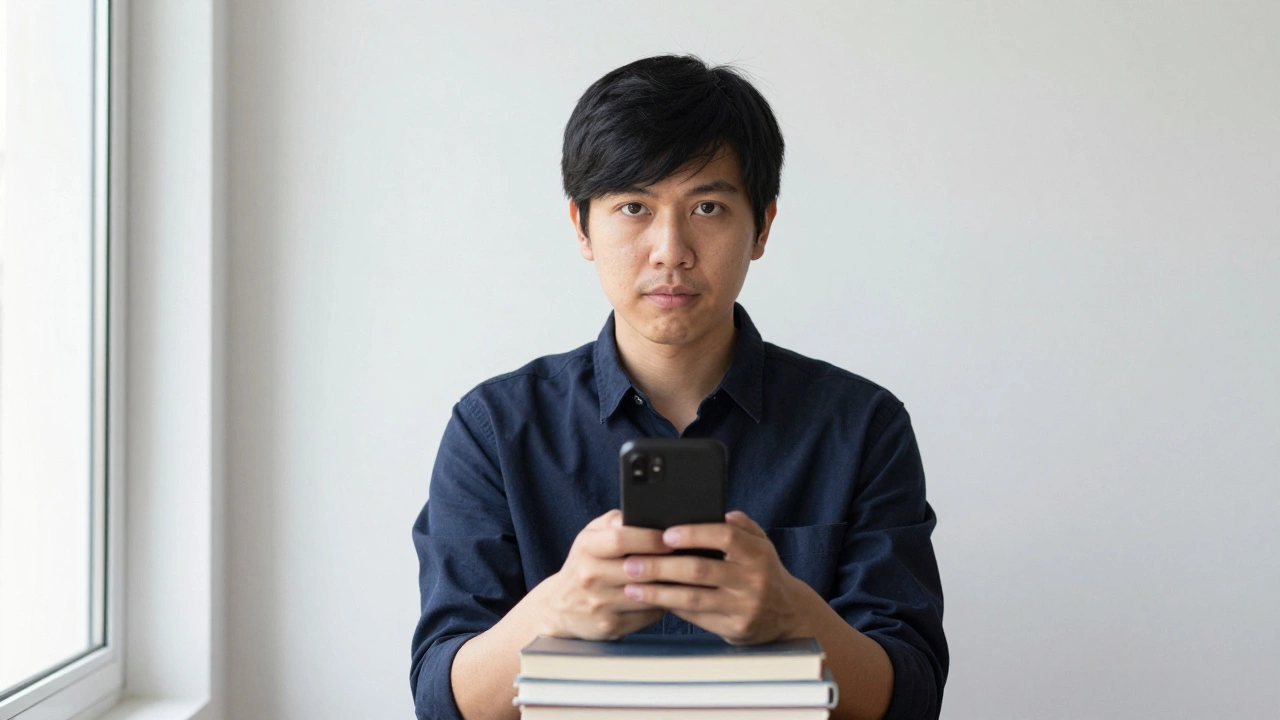
Learn how to take a passport-size photo for free at home using just your smartphone. Follow simple steps for lighting, background, and cropping to meet Indian passport requirements without paying a studio.
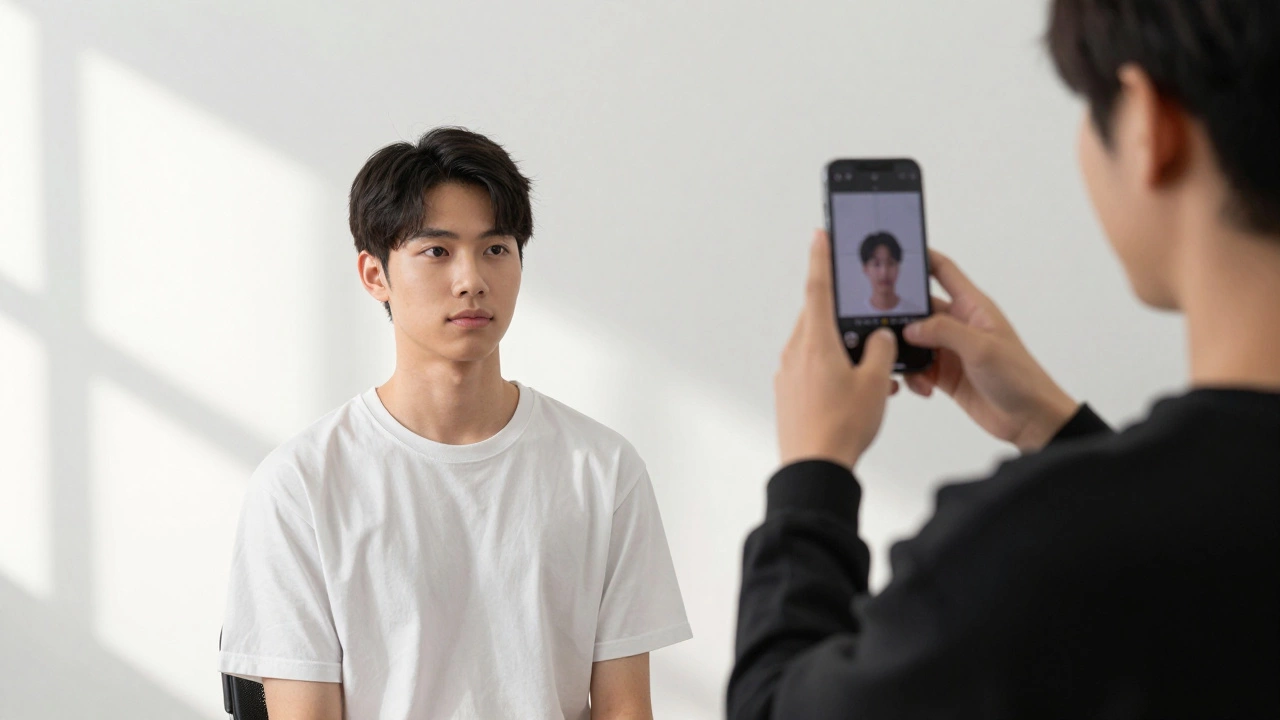
Learn how to take a passport-sized photo at home with just your smartphone and a plain wall. Follow simple steps to meet official requirements and avoid rejection.
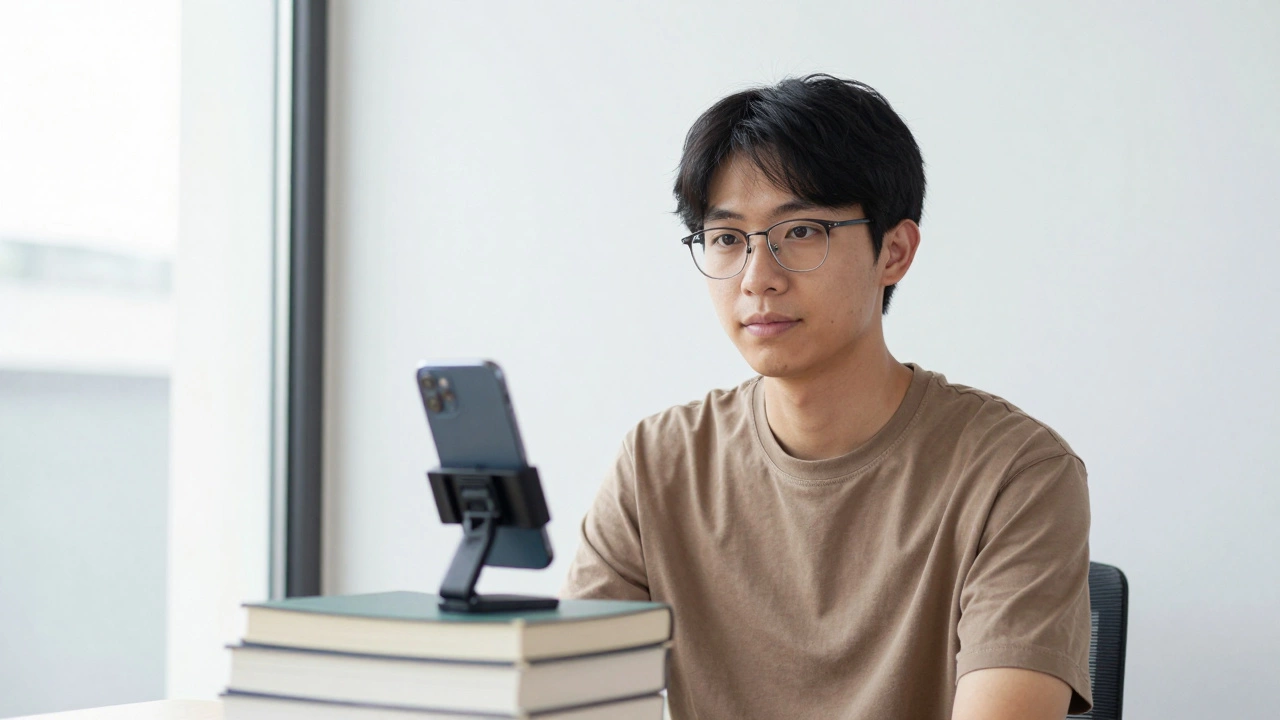
Learn how to take a passport-sized photo at home using just your smartphone and a plain wall. Follow simple steps to meet India's strict photo requirements and avoid common mistakes that cause rejections.
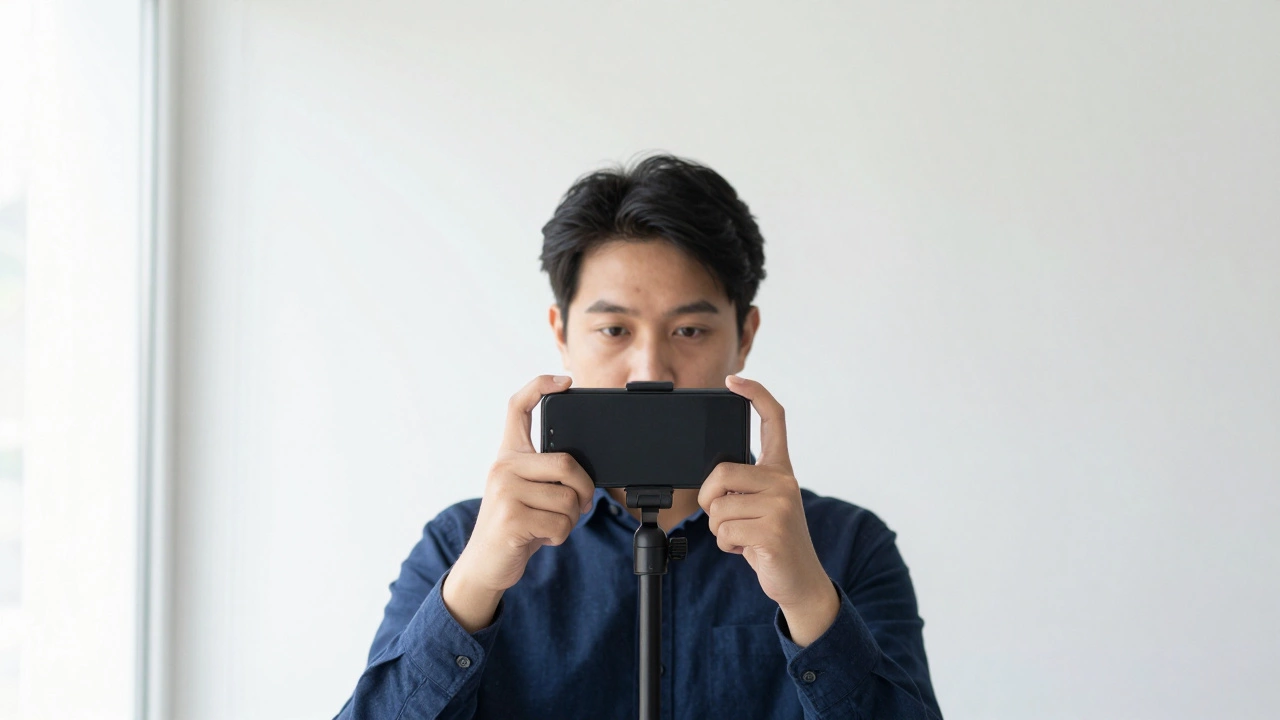
Most selfies don't meet passport photo rules. Learn what actually works-background, lighting, expression, and how to take a compliant photo at home without spending a dime.