Edit Person in Photo: How to Remove, Replace, or Fix People in Images
When you need to edit person in photo, the process of modifying or removing an individual from a digital image to improve composition, fix mistakes, or create a new visual story. Also known as photo retouching, it’s not just for professionals—anyone with a phone and a free app can do it today. Whether it’s a wedding photo with an awkward guest, a group shot where someone blinked, or a product shot needing a cleaner background, editing people out or into photos is more common than you think.
Most people assume you need Photoshop, a professional image editing software by Adobe that offers advanced tools for pixel-level control over images. Also known as Adobe Photoshop, it’s the industry standard but not the only option. In 2025, you don’t need to pay $10 a month. Free tools like GIMP, a powerful open-source alternative to Photoshop that supports layers, masks, and advanced selection tools. Also known as GNU Image Manipulation Program, it’s used by photographers and small businesses across India and Photopea, a browser-based editor that works like Photoshop without downloads or subscriptions. Also known as online Photoshop, it’s perfect for quick fixes on a phone or laptop can handle basic edits just as well. You can remove a person using the clone stamp, heal tool, or content-aware fill—no degree in design needed.
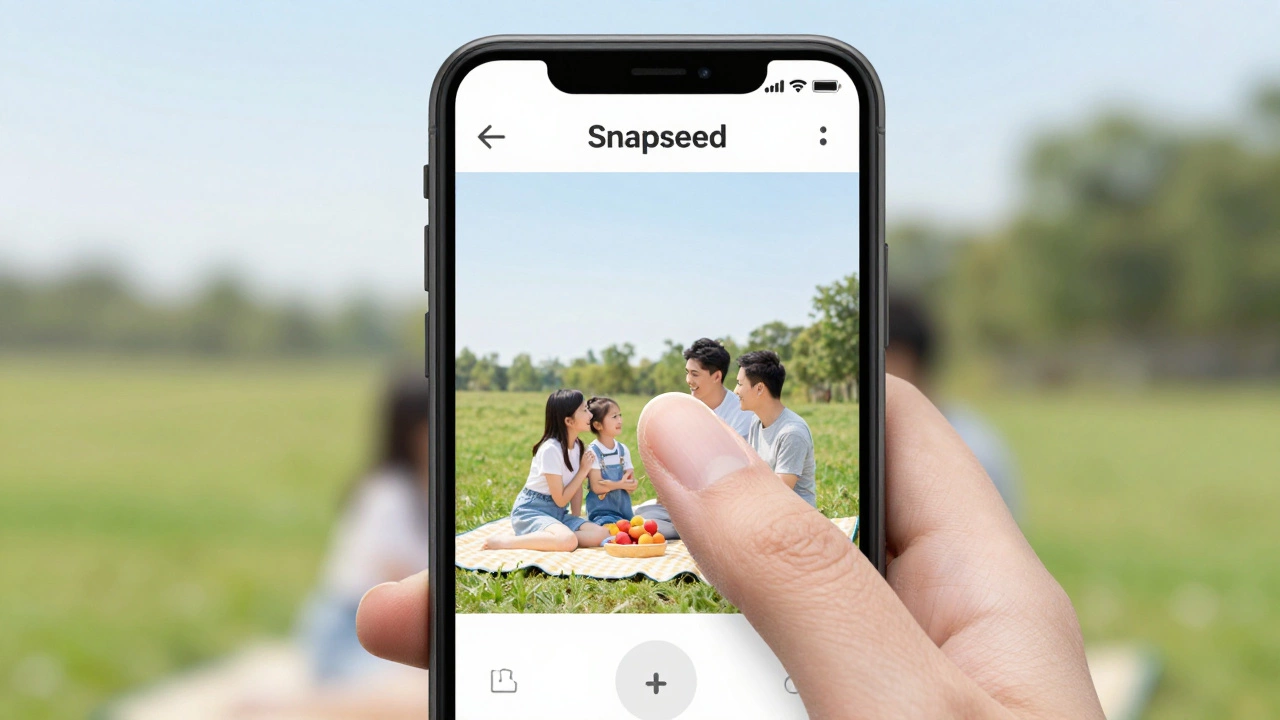
But here’s what most guides skip: editing a person isn’t just about deleting pixels. It’s about lighting, shadows, perspective, and skin tone matching. If you remove someone from a group photo, the background has to look natural—not stretched, blurred, or oddly lit. That’s why tools like Snapseed and Canva, while easy, often fail for serious edits. Real results come from understanding how light falls on skin, how fabric wrinkles behave, and how shadows connect to the ground. In India, where family photos and wedding albums are sacred, a bad edit can ruin a memory. That’s why many local studios in Mumbai offer this as a paid service—they know the difference between a quick fix and a seamless one.
You’ll find posts below that cover exactly this. From how to turn a normal photo into a passport photo using free tools, to why Fotor’s AI fails when you try to remove a person, to how GIMP beats Photoshop for budget editors. Some guides show you how to do it yourself in under 10 minutes. Others warn you about the traps—like watermarks, low resolution, or distorted edges that make edits look fake. Whether you’re a parent fixing a blurry kid in a birthday photo or a small business owner cleaning up a product shot, the tools are here. You just need to know where to look.