Fotor Free Version Suitability Calculator
How do you use photo editing?
Answer these questions to see if Fotor's free version works for you
You open Fotor, click on "Edit Photo," and everything looks perfect. Filters, text, stickers - all free. You start editing your vacation pic, apply a trendy preset, and suddenly you’re asked to upgrade. That’s when the question hits: Is Fotor really free? The short answer? Yes, but with serious limits. If you’re hoping for a full-featured, no-strings-attached tool like Photoshop, you’ll be disappointed. But if you just need quick fixes for social media, it’s usable - if you know where the traps are.
What Fotor gives you for free
The free version of Fotor lets you do basic edits without spending a rupee. You can crop, rotate, adjust brightness, contrast, and saturation. There are over 200 filters, including vintage, black and white, and Instagram-style presets. You can add text with a handful of fonts, stick on stickers, and even use the AI background remover - but only for one image per month.
For casual users, this is enough. If you’re posting a selfie to Instagram or fixing a blurry group photo before sharing it on WhatsApp, Fotor’s free tier works. I’ve used it to brighten up dinner photos taken in low light, and the auto-enhance feature actually does a decent job. No need to download five apps just to make one picture look better.
But here’s the catch: every time you try to use something advanced, Fotor slaps a "Pro" badge on it. Want to remove a person from the background? Free users get one try a month. Need to resize for Facebook, Instagram, and Pinterest in one go? That’s locked behind a paywall. Even saving your edited image in high resolution forces you to watermark it unless you upgrade.
What’s locked behind the paywall
Fotor’s paid plans - starting at $8.99/month - unlock a bunch of features that most serious editors need. Here’s what you lose if you stick with free:
- Unlimited AI background removal
- High-res exports without watermarks
- Batch editing (edit 10 photos at once, not just one)
- Access to 10,000+ premium templates and fonts
- Advanced tools like AI image generation, object removal, and perspective correction
- Cloud storage for saving projects
For example, if you run a small business and need to edit product photos daily, the free version is useless. You can’t even remove a stray wire from a product shot without paying. One user in Bangalore told me she tried Fotor to edit 30 wedding photos for a client. She hit the monthly limit on background removal after the third photo. Had to switch to Canva Pro mid-project.
How Fotor compares to other free editors
Fotor isn’t alone in the free photo editing game. Here’s how it stacks up against other popular options:
| Feature | Fotor | Canva | Photopea | GIMP |
|---|---|---|---|---|
| AI Background Removal | 1 per month | 1 per month | No | Manual only |
| High-res exports | Watermarked | Watermarked | Yes | Yes |
| Batch Editing | No | No | Yes | Yes |
| Templates | 200+ free | 10,000+ free | None | None |
| Learning Curve | Easy | Easy | Medium | Hard |
Canva is more generous with templates but still locks AI tools behind paywalls. Photopea is a free online version of Photoshop - no watermarks, no limits - but it’s clunky if you’re not tech-savvy. GIMP is powerful but feels like software from the 2000s. Fotor sits in the middle: simple enough for a 15-year-old but too limited for professionals.
The hidden costs of "free"
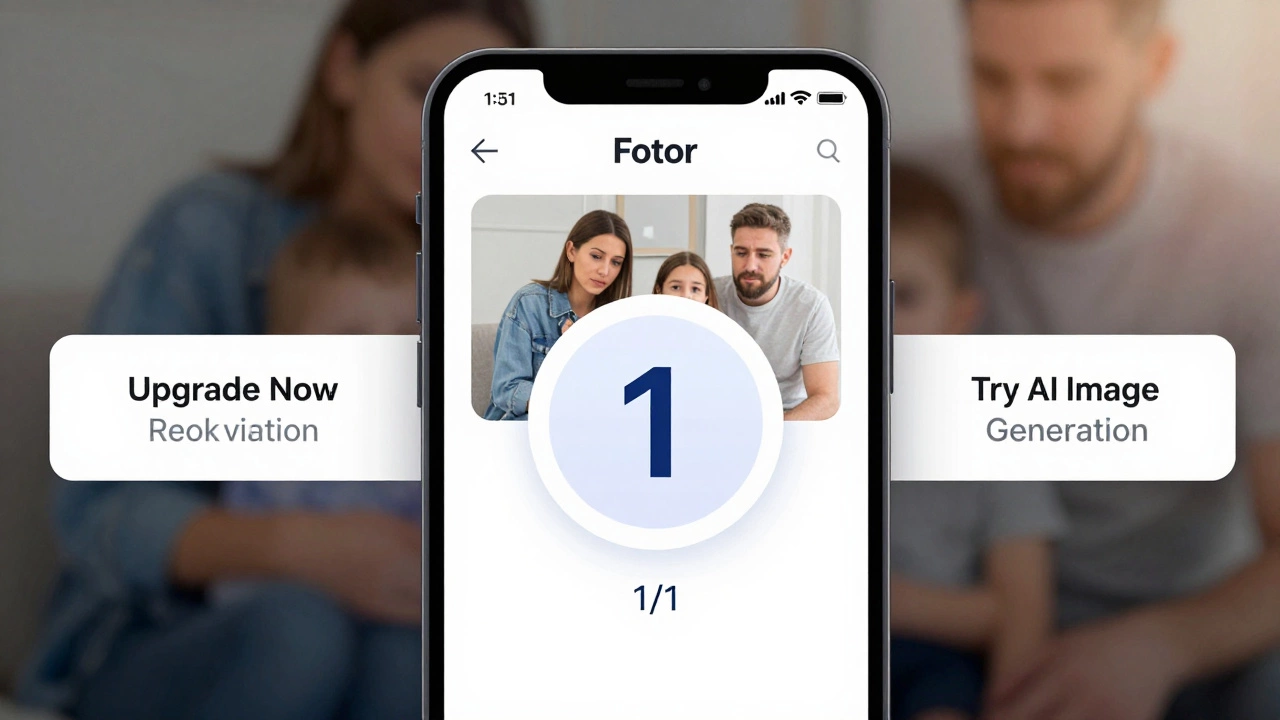
Free apps aren’t free because they’re generous. They’re free because they want your data, your attention, or your upgrade. Fotor’s free version shows ads between edits. It pushes you toward its AI tools with pop-ups every 30 seconds. You can’t even close the "Upgrade Now" banner without clicking through it.
Worse, Fotor stores your edited photos on its servers. Their privacy policy says they don’t sell your data - but they can use your images to train their AI models. If you upload a family photo, a corporate logo, or a product design, it might end up in someone else’s AI-generated image. That’s not just creepy - it’s risky.
One photographer in Pune told me she uploaded a client’s bridal portrait to Fotor for a quick color tweak. A week later, she saw the same image being used in an ad for a wedding planner’s website - generated by AI, with the bride’s face slightly altered. She had no idea Fotor could reuse images like that.
Who should stick with Fotor free?
Fotor’s free plan makes sense for:
- Students editing photos for school projects
- Parents tweaking kid’s birthday pics for WhatsApp
- Social media users who post once a week
- Anyone who needs quick fixes and doesn’t care about watermarks
If you’re not editing more than 2-3 photos a month and don’t mind a little branding on your images, Fotor works. It’s like using a free coffee at a café - it’s okay, but you’re not getting the full experience.

Who should avoid it?
Don’t use Fotor free if you:
- Run a small business and need clean, professional images
- Edit photos daily or weekly
- Need to remove objects or people from images
- Value your privacy or don’t want your photos used to train AI
- Want to save projects in high resolution without watermarks
If you’re serious about your photos, even a $5/month plan on another app is better than Fotor’s free version. You’ll save time, avoid frustration, and protect your work.
Alternatives worth trying
If Fotor’s limits annoy you, here are three better free options:
- Photopea - A full Photoshop clone in your browser. No watermarks. No limits. Just open a PSD and edit like you’re on a desktop.
- GIMP - Free, open-source, and powerful. Steep learning curve, but once you learn it, you’ll never pay for Photoshop again.
- Snapseed (mobile only) - Google’s app. Super smooth, zero ads, and all tools are free. Perfect for phone editing.
I switched from Fotor to Snapseed for phone edits and Photopea for desktop work. No more watermarks. No more pop-ups. No more wondering if my photo is being used to train some AI bot.
Final verdict: Is Fotor really free?
Fotor is free - but only if you accept its rules. You get a basic tool with a watermark, one AI edit a month, and ads that won’t quit. It’s fine for emergencies. It’s terrible for anything regular.
If you’re just starting out or only edit photos once in a blue moon, go ahead. But if you care about quality, privacy, or efficiency, you’re better off with Photopea, GIMP, or Snapseed. Fotor’s free version is a trap disguised as a gift.
Does Fotor watermark free edits?
Yes. All free users get a small "Made with Fotor" watermark on exported images. You can only remove it by upgrading to a paid plan.
How many free edits can I do per month?
You get one free AI background removal per month. All other edits - cropping, filters, text - are unlimited. But advanced tools like object removal and AI enhancement are locked behind paywalls.
Is Fotor safe to use?
Fotor’s privacy policy says it doesn’t sell your data. But it does store your uploaded images on its servers and may use them to train its AI models. If you upload personal or sensitive photos, there’s a risk they could be used in AI training without your consent.
Can I use Fotor on my phone?
Yes. Fotor has apps for iOS and Android. The mobile app has the same free limits as the web version: one AI edit per month, watermarked exports, and ads. Snapseed is a better free alternative for phones.
What’s the cheapest way to unlock Fotor’s full features?
Fotor’s annual plan costs $47.99/year, which is about $4 per month. But you’ll get better value from Photopea (free) or Canva Pro ($12.99/month) if you need templates and design tools. Fotor’s paid plan is only worth it if you specifically need its AI tools.