Passport Photo Cost Calculator
Your Situation
Results & Recommendations
Enter your details and click "Calculate Best Option" to see cost estimates and recommendations.
Need a new passport but don't want to pay $15 or more for two tiny photos? You are not alone. Most people assume they have to walk into a pharmacy or a post office and hand over cash for a service that takes thirty seconds. The truth is, you can get compliant passport photos for under $2 if you know where to look and how to do it yourself.
In 2026, the options for getting affordable passport photos have expanded beyond just physical stores. With smartphone cameras getting better and government acceptance of digital submissions rising, you have more control than ever over your costs. This guide breaks down every option, from the cheapest DIY methods to reliable retail services, so you can save money without risking a rejection.
The Hidden Cost of Convenience: Retail Store Prices
Let’s start with what most people do first: walking into a store. It is convenient, yes, but it comes with a steep premium. Major chains like CVS Pharmacy, Walgreens, and Walmart typically charge between $15 and $19 for a standard passport photo package. That usually includes one printed sheet with four photos and a digital file.
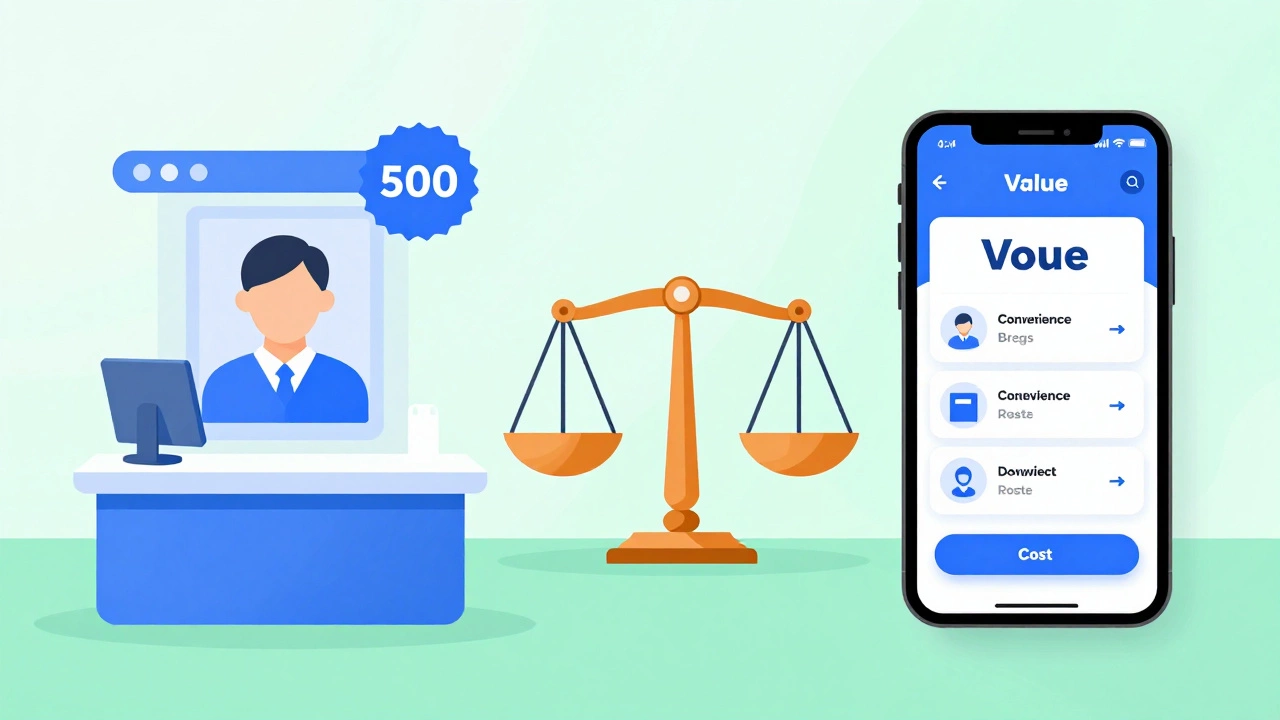
Why is it so expensive? You are paying for convenience and liability. These stores employ staff who know the specific size requirements (2x2 inches) and background rules (white or off-white). If they mess up, they reprint it for free. But if you make a mistake at home, you might have to pay again. For many travelers, that peace of mind is worth the extra $10. However, if you are budget-conscious, there are cheaper alternatives.
| Provider Type | Average Cost | Convenience Level | Risk of Rejection |
|---|---|---|---|
| CVS / Walgreens | $15 - $19 | High | Very Low |
| Walmart Photo Center | $8 - $12 | Medium | Low |
| Online AI Services | $5 - $10 | High | Low-Medium |
| DIY Smartphone Apps | $0 - $3 | Medium | Medium-High |
| Local Print Shops | $5 - $8 | Low | Medium |
The Cheapest Option: DIY Smartphone Apps
If you want the absolute lowest price, your smartphone is your best friend. There are several apps designed specifically to create compliant passport photos. Apps like Passport Photo ID Photo or IDPhoto4You use augmented reality to measure your face against official guidelines. They ensure your head is the correct size (between 1 inch and 1 3/8 inches from chin to top of head) and that your eyes are open and looking straight ahead.
Here is how to do it for nearly free:
- Find a plain white wall. Natural light is best. Stand near a window but avoid direct sunlight which creates harsh shadows.
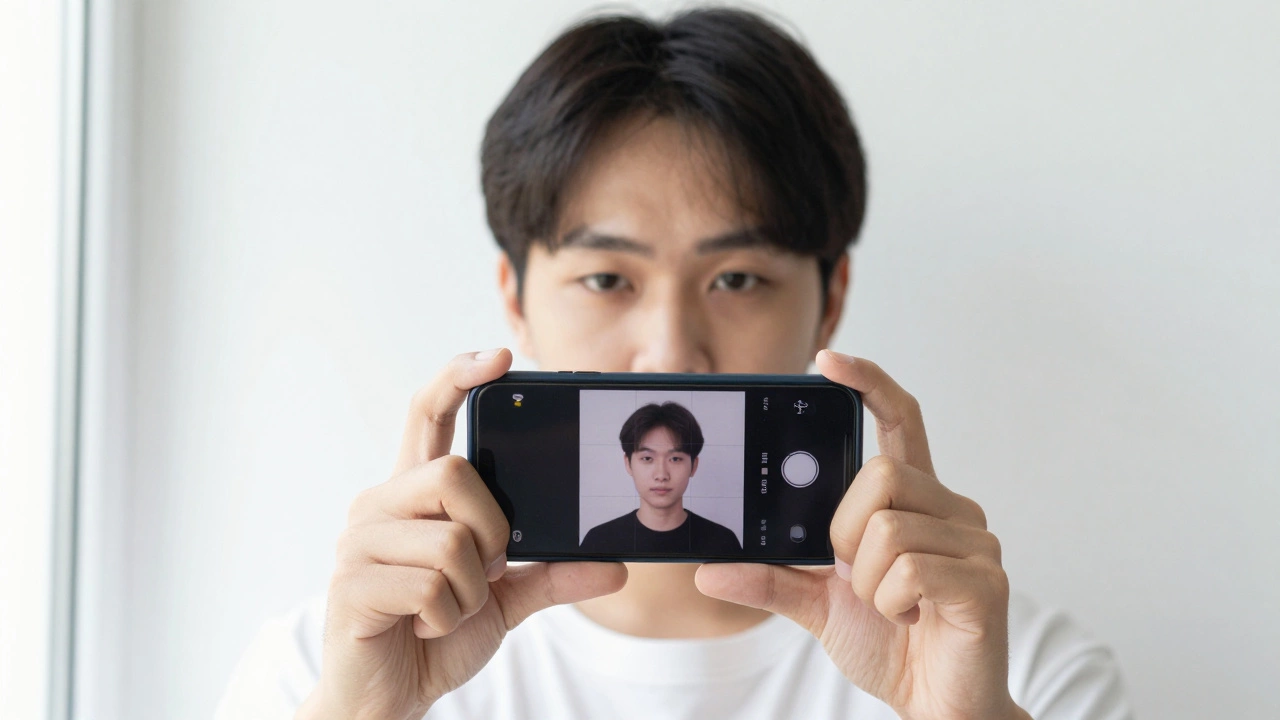
- Ask someone to take the photo. Selfies often distort facial features because the phone is too close. Have a friend stand three feet away.
- Use the app’s template. Upload the photo. The app will crop it to 2x2 inches and check for compliance issues like tilted heads or uneven lighting.
- Print at home or a cheap kiosk. If you have a color printer, printing four copies on glossy photo paper costs pennies. If not, you can upload the final image to a local print shop or use a self-service kiosk at libraries or supermarkets.
The main risk here is user error. If your lighting is poor or your expression is wrong, the government agency might reject the application. To mitigate this, always double-check the specific requirements of the country issuing the passport. For example, the US State Department has strict rules about glasses and head coverings.
Online Services: The Middle Ground
Between expensive retail stores and risky DIY attempts, online services offer a solid compromise. Websites like PassportPhoto.com or IdPhotos.com allow you to upload a selfie and receive a professionally edited, compliant photo within minutes. They charge around $5 to $10 for the digital file.
These services use artificial intelligence to adjust lighting, remove red-eye, and ensure the background is pure white. They also provide a printable sheet formatted correctly for cutting. You then take this digital file to any local print shop or library. Many public libraries in India and the US offer printing services for as low as $0.10 per page. So, your total cost could be under $2 if you include the app fee and printing.
This method is ideal if you are comfortable with technology but lack a good printer. It shifts the burden of compliance from you to the software algorithm, which is generally very accurate for standard cases.
When to Pay for Professional Service
While saving money is great, some situations warrant paying for professional help. Consider going to a pharmacy or post office if:
- You have a newborn baby. Getting a compliant photo of an infant is notoriously difficult. Professionals have the equipment and patience to capture a clear image without crying or movement blur.
- You have unique medical conditions. If you wear corrective lenses that cause glare, or if you have facial asymmetry due to injury, a professional photographer knows how to light the subject to minimize these issues while remaining truthful.
- You need same-day processing. If your travel date is imminent, waiting for mail from an online service or troubleshooting a DIY print job might not be feasible. Retail stores guarantee immediate results.
- You are applying for a visa with strict rules. Some countries, like China or Russia, have very specific requirements regarding background color, headwear, and recentness of the photo. A professional service familiar with international standards reduces the risk of costly visa delays.
Understanding Passport Photo Requirements
To save money, you must understand why photos get rejected. The most common reasons include incorrect size, bad lighting, and improper expression. Here are the universal standards for most Western passports, including the US and UK:
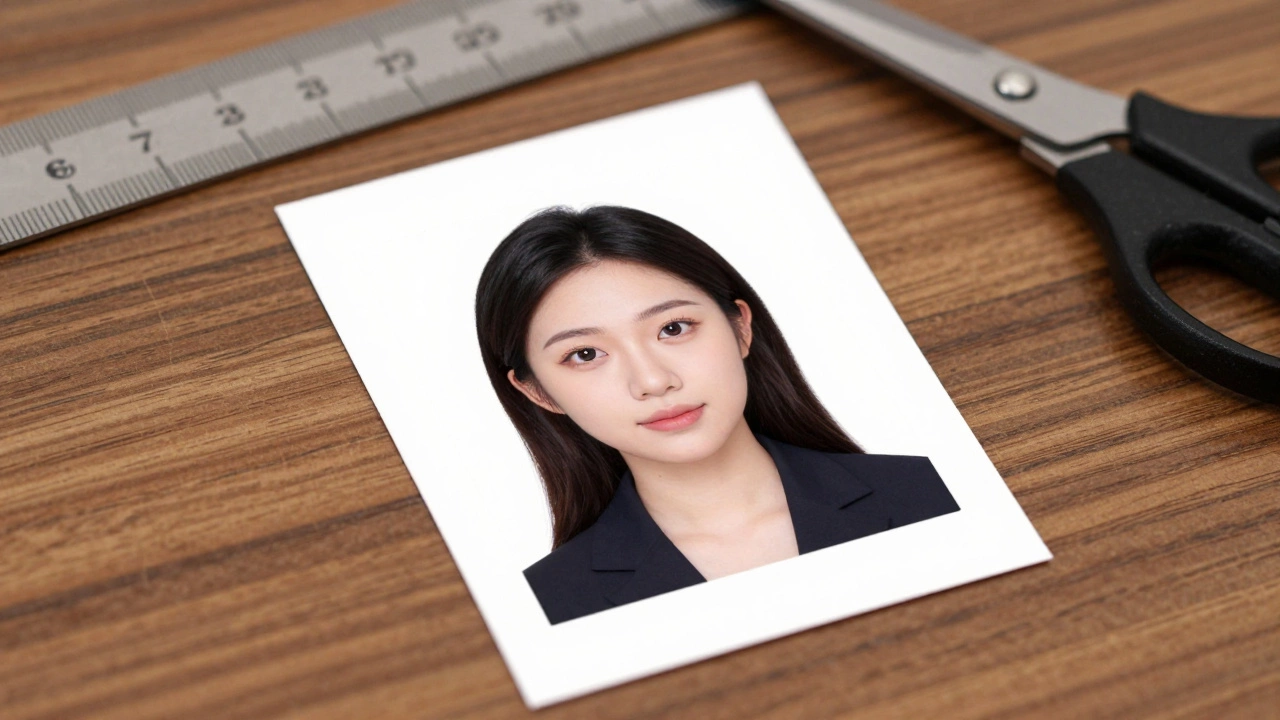
- Size: Exactly 2x2 inches (51x51 mm).
- Head Size: Between 1 inch (25 mm) and 1 3/8 inches (35 mm) from the bottom of the chin to the top of the head.
- Background: Plain white or off-white. No patterns, shadows, or other people.
- Expression: Neutral expression with both eyes open. No smiling, frowning, or raised eyebrows.
- Glasses: Generally prohibited in the US since 2016. Other countries may allow them if there is no glare.
- Headwear: Only allowed for religious or medical reasons, and even then, the face must be fully visible.
Knowing these rules helps you evaluate whether a DIY attempt is viable. If you can meet these criteria with your smartphone, you save significant money. If not, the extra cost of a professional service is an investment in avoiding application delays.
Troubleshooting Common DIY Issues
If you choose the DIY route, you might encounter specific problems. Here is how to fix them:
- Uneven Lighting: Shadows on one side of the face often lead to rejection. Use two light sources placed at equal distances from your face, or stand facing a large window during midday when light is diffused.
- Red-Eye: Avoid using flash. Instead, increase the brightness in your editing app or use natural light. Red-eye removal tools in apps are effective but should be used subtly.
- Incorrect Crop: Most apps handle this, but if you crop manually, ensure your eyes are centered horizontally and positioned in the upper half of the photo. The top of your head should not touch the edge of the frame.
- Print Quality: Standard inkjet printers on matte paper often produce blurry images. Use glossy photo paper and ensure your printer is calibrated. If the colors look washed out, adjust the contrast in your editing app before printing.
Final Tips for Saving Money
Getting cheap passport photos is about balancing effort with cost. If you have time and a decent smartphone, the DIY approach via apps is unbeatable. If you need reliability and speed, Walmart’s photo center offers a reasonable middle ground. Avoid the high-markup pharmacies unless you are in a rush or dealing with complex subjects like infants.
Always keep a digital copy of your approved photo. You never know when you’ll need another set for a visa application or a new ID card. By mastering the process once, you can save money on every future request.
Can I use a selfie for my passport photo?
Yes, but only if taken by someone else. Selfies held at arm's length often distort facial features due to perspective. The camera should be at eye level, about three feet away, to ensure accurate proportions. Many online services accept selfies uploaded by users, but they will reject those with obvious distortion.
How much does Walmart charge for passport photos?
How much does Walmart charge for passport photos?
As of 2026, Walmart typically charges between $8 and $12 for a passport photo package. This price varies by location but is generally lower than CVS or Walgreens. Walmart often provides a digital file along with the printed sheet, allowing you to reuse the image for other applications.
Are passport photos accepted if printed on regular paper?
No. Passport photos must be printed on high-quality, glossy photo paper. Regular printer paper absorbs ink differently, leading to blurry images and incorrect color tones. Government agencies frequently reject photos printed on matte or standard paper due to poor resolution and durability.
What is the best app for creating passport photos?
Apps like Passport Photo ID Photo and IDPhoto4You are highly rated for their accuracy. They use AI to measure head size and background compliance. Look for apps that offer a "compliance check" feature, which warns you if your photo might be rejected before you print it.
Can I wear glasses in my passport photo?
In the United States, glasses are not allowed in passport photos since November 2016. You must remove them to avoid glare and shadow issues. Other countries may have different rules, but the global trend is moving toward no-glasses policies to improve facial recognition accuracy. Always check the specific guidelines of the issuing country.