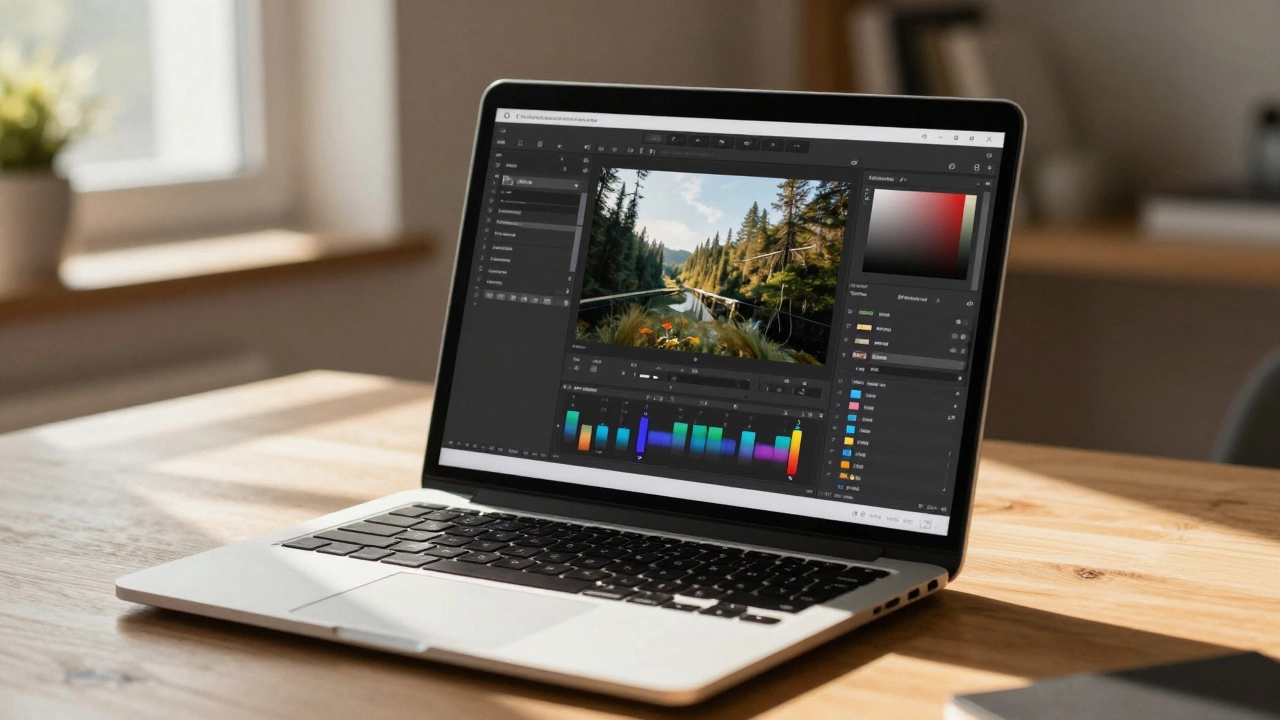
Key Takeaways about Photopea Pricing
- The core editing tools are completely free for everyone.
- Free users see sidebar advertisements.
- A paid Premium subscription removes ads and adds extra perks.
- No account or installation is required to start editing.
- It supports industry-standard formats like .PSD, .AI, and .XD.
How the Free Model Actually Works
Most "free" software today is actually "freemium," meaning they lock the best features behind a paywall. Photopea is different. Whether you pay or not, you have access to the full suite of tools: the pen tool, layer masks, blending modes, and advanced filters. You won't find a "Pro" version that suddenly unlocks the magic wand or the heal brush.
So, how does the creator make money? The free version is ad-supported. When you open the workspace, you'll notice a column of ads on the right side of the screen. For most casual users, this is a fair trade. You get a professional-grade editor without spending a dime, and in exchange, you see a few banners. If you're working on a small project or just learning the ropes of graphic design, this model is a huge win.
The Premium Subscription: Is it Worth It?
If those ads start to feel like a distraction, you can opt for Photopea Premium. This is a monthly subscription that does more than just hide the commercials. While it doesn't unlock "new" tools, it improves the workflow experience. For example, Premium users get more storage space for their projects and a more streamlined interface.
The real value for a professional is the lack of distractions. If you're working on a client project and sharing your screen via Zoom, you might not want a random ad for a mobile game popping up next to your design. It's a small price to pay for a cleaner, more professional workspace. However, if you're just editing memes or cropping photos for a blog, the free version is more than enough.
| Feature | Free Version | Premium Version |
|---|---|---|
| Core Editing Tools | Full Access | Full Access |
| Advertisements | Visible in Sidebar | Removed |
| File Support (.PSD, .SVG) | Included | Included |
| Workspace Layout | Standard | Optimized/Clean |
| Cost | $0 | Small Monthly Fee |
Comparison with Industry Giants
To understand where Photopea sits, you have to look at Adobe Photoshop. Photoshop is the gold standard, but it requires a hefty Creative Cloud subscription and a powerful computer. Photopea mimics the Photoshop interface so closely that if you know one, you know the other. This makes it an incredible tool for students who can't afford Adobe's pricing.
Then there's GIMP. GIMP is truly open-source and 100% free without ads. However, GIMP requires a full installation and has a learning curve that feels like climbing a wall. Photopea beats GIMP in convenience because it's instant. You just go to the URL and start working. There is no "installing」, no updating, and no worrying about whether your OS is compatible.

Who Should Use the Free Version?
If you are a hobbyist, a social media manager, or a student, the free version of Photopea is practically perfect. For instance, if you need to remove a background from a product photo for an Etsy shop, you can do it in seconds using the Magic Cut tool without spending any money. The browser-based nature means you can move from a Windows PC at work to a MacBook at home and your workflow remains identical.
The only time the free version might feel limiting is when you're dealing with massive files. Since it runs in the browser, it relies on your computer's RAM. If you're working on a 500MB file with 100 layers, you might notice some lag. This isn't a limitation of the "free" plan, but rather a limitation of web technology. For these extreme cases, a dedicated desktop app is usually the only answer.
Potential Pitfalls and Things to Watch Out For
While the price tag is great, there are a few things to keep in mind. First, because it's a browser app, if your browser crashes or you accidentally close the tab without saving, you could lose unsaved progress. I always recommend using the "Save as PSD" option frequently to keep a local backup on your hard drive.
Another point is privacy. Since you're uploading images to a server to be processed, you should be mindful of highly sensitive documents. While the site is reputable, any cloud-based tool carries a different risk profile than a local app like Photoshop or GIMP. If you're editing top-secret corporate blueprints, you might prefer an offline tool.
Getting Started Without Spending a Cent
Ready to try it out? You don't even need to sign up for an account. Just head to the site, click "New Project," and you're in. If you have an existing Photoshop file, you can simply drag and drop it from your folder directly into the browser window. It will recognize the layers, masks, and smart objects instantly.
If you find the ads annoying but don't want to pay, a simple ad-blocker extension usually does the trick. The creator of Photopea is generally lenient about this, as they know the value of the tool is in its accessibility. It's one of the few places on the web where the "free" version isn't a crippled demo, but a fully functional piece of software.
Do I need to download anything to use Photopea?
No, you don't. Photopea is a web-based application, meaning it runs entirely inside your internet browser (like Chrome, Firefox, or Safari). You just visit the website and start editing immediately.
Is Photopea safe to use?
Yes, it is generally safe. It doesn't require you to install software on your system, which reduces the risk of malware. However, as with any online tool, avoid uploading highly sensitive or private data if you are concerned about cloud privacy.
Can I open Photoshop (.PSD) files in Photopea for free?
Absolutely. One of the best features of Photopea is its ability to open and edit .PSD files while keeping the layers and groups intact, and this feature is available to all users regardless of whether they pay for Premium.
What happens if I pay for the Premium version?
Paying for Premium removes all advertisements from the sidebar and provides a cleaner workspace. It may also offer additional cloud storage benefits, but it does not unlock any hidden editing tools; you already have all the tools in the free version.
Does Photopea work on tablets or iPads?
Yes, because it runs in a browser, it works on most modern tablets. However, for the best experience, using a keyboard and mouse is highly recommended since the interface is designed for desktop precision.
Next Steps and Troubleshooting
If you've tried Photopea and find it's too slow for your needs, it's likely a hardware issue rather than a software one. Try closing other browser tabs or clearing your cache to free up RAM. If you're still struggling with performance on massive files, it might be time to look into a local installation of GIMP or an Adobe subscription.
For those who love the interface but hate the ads, the easiest path is the Premium subscription. It's a low-cost way to support a developer who provides a massive amount of value for free. If you're just getting started, try the "Learn" section within the app to see how to use the more complex tools like the Pen tool or Layer Masks.