Free Passport Photo Online: How to Get a Valid Photo Without Paying
When you need a free passport photo online, a digital image that meets government standards for passport applications. Also known as passport photo online, it’s not just about snapping a selfie—you need the right lighting, background, expression, and sizing to avoid rejection. Many people waste time and money going to pharmacies or photo booths, not realizing you can get a compliant photo for free using your phone and a few simple tools.
Passport photo rules are strict, and small mistakes like wearing glasses, having shadows on your face, or smiling too wide can get your application delayed. The passport photo rules, official guidelines set by governments to ensure uniformity and security in travel documents require a plain white or off-white background, your full face clearly visible, no headwear (unless for religious reasons), and neutral expression. You can’t use filters, apps that auto-enhance your skin, or photos taken in front of a busy wall. Even the angle matters—your eyes must be level with the camera, and your head must take up 70–80% of the frame.
That’s where passport photo apps, mobile tools designed to help users take and crop passport photos that meet official standards come in. Apps like Passport Photo Online, ID Photo, and others let you take a photo with your phone, then automatically adjust the background, crop it to size, and check for violations. Many of these apps offer one free photo per day. You can also use free editing tools like Photopea or GIMP to remove backgrounds and resize images yourself—no Photoshop needed. Just make sure the final file is in JPEG format, under 10MB, and meets the pixel dimensions required by your country’s passport office.
In Mumbai, people often ask where to print these photos locally. The good news? You don’t need to. You can download your approved photo and take it to any print shop—many offer 2x2 inch prints for under ₹20. Some even print on official passport paper. But if you’re applying online, you can upload the digital file directly. Just double-check your country’s upload requirements: some want a specific resolution, others want the file named in a certain way.
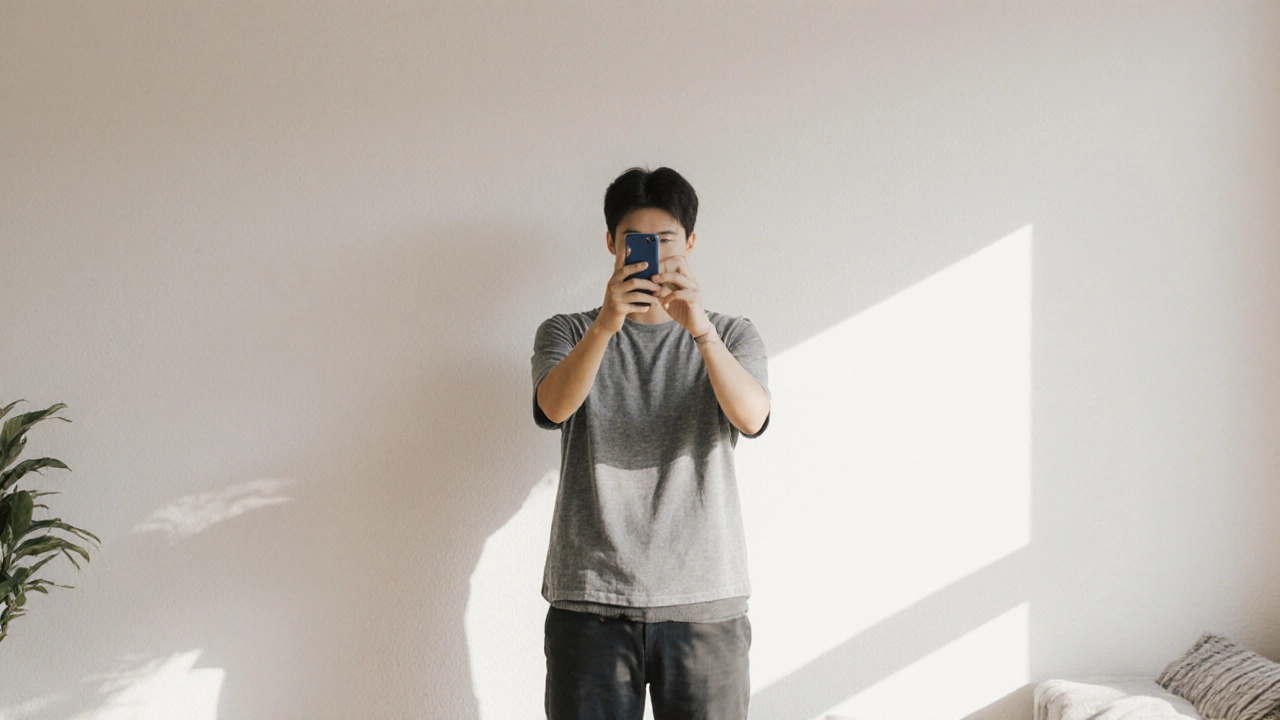
Don’t let a rejected photo delay your trip. With the right tools and a little patience, you can get a perfect passport photo for free—no post office, no CVS, no $15 fee. Just your phone, a white wall, and a few minutes. Below, you’ll find real guides that walk you through the exact steps, show you what gets rejected, and point you to tools that actually work.