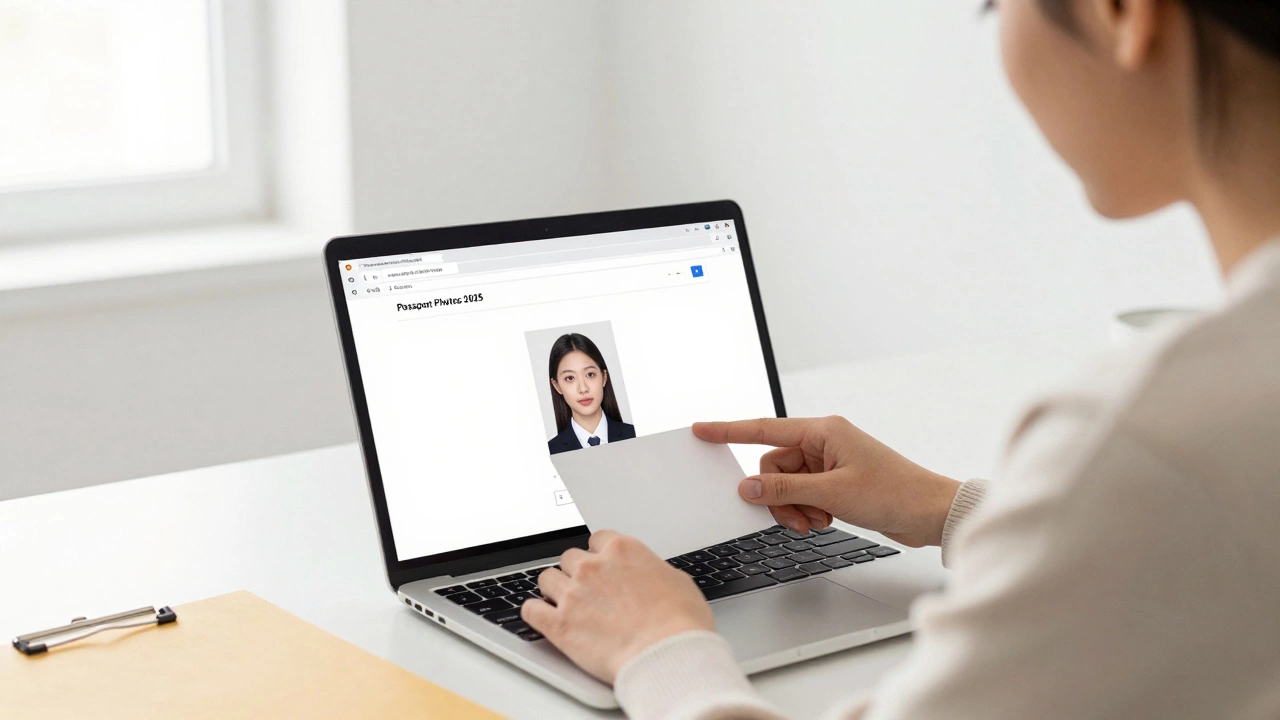
E-Passport Photo: Rules, Tips, and How to Get It Right
When you need an e-passport photo, a digital image that meets government standards for biometric identification. Also known as digital passport photo, it’s not just any picture—it’s a legal document that must pass automated checks at airports and embassies worldwide. Most people think it’s easy until their application gets rejected because their photo had a shadow, too much smile, or the wrong background color.
There are strict rules around passport photo background, the plain white or off-white surface required behind your head and shoulders. It can’t be patterned, blurred, or have objects in it—not even a curtain or a wall with a picture. Then there’s passport photo size, the exact dimensions (usually 35mm x 45mm) and resolution (300 DPI minimum) that scanners expect. Get this wrong, and your application stalls. Even your expression matters: no smiling, no squinting, eyes open and looking straight at the camera. Glasses? Only if you wear them daily—and even then, they can’t reflect light. Headwear? Only for religious reasons, and only if your full face is visible.
People in India are turning to their smartphones more than ever to take these photos, and it works—if you know how. You don’t need a studio. You don’t need to pay ₹500 at a photo booth. With good lighting (natural daylight near a window), a plain white sheet, and a free app like Remove.bg or Passport Photo Online, you can get it right for free. The trick isn’t the tool—it’s following the rules. And those rules are the same whether you’re in Mumbai, Delhi, or Bangalore.
What you’ll find below are real, tested guides from people who’ve been there. How to fix a rejected photo. Why your selfie won’t work. What tools actually deliver government-approved results. And how to avoid the scams that charge you for something you can do yourself in 10 minutes. No fluff. No upsells. Just what you need to get your e-passport photo approved—on the first try.