Passport Photo Cost & Compliance Calculator
Analysis Results
Estimated Total Cost:
Rejection Risk:
Key Factor:
Based on economic principles of fixed cost allocation and compliance standards.
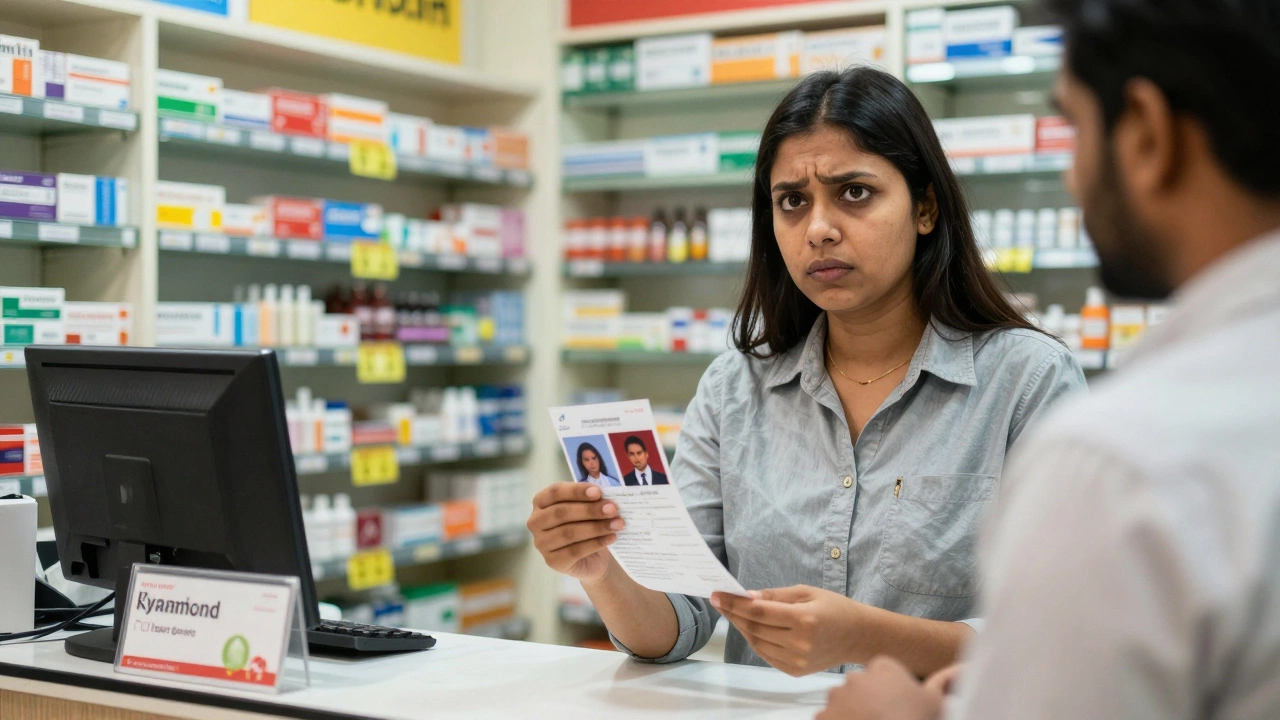
Walk into any pharmacy or mall kiosk in Mumbai or New York, and you’ll see the same sticker shock: a single set of passport photos costs anywhere from $15 to $25. That’s roughly ₹1,200 to ₹2,000 for two tiny 2x2 inch squares of paper. It feels like a rip-off. You’re not paying for a masterpiece; you’re paying for a government-compliant headshot that lasts seconds during processing. So why is this simple service so pricey?
The short answer is that you aren’t just buying a photo. You are paying for compliance, convenience, and a massive margin on low-volume services. When you understand the hidden mechanics behind those small prints, the price tag starts to make sense-even if it still stings.
The Compliance Tax: Why Your Photo Can't Just Be 'Good Enough'
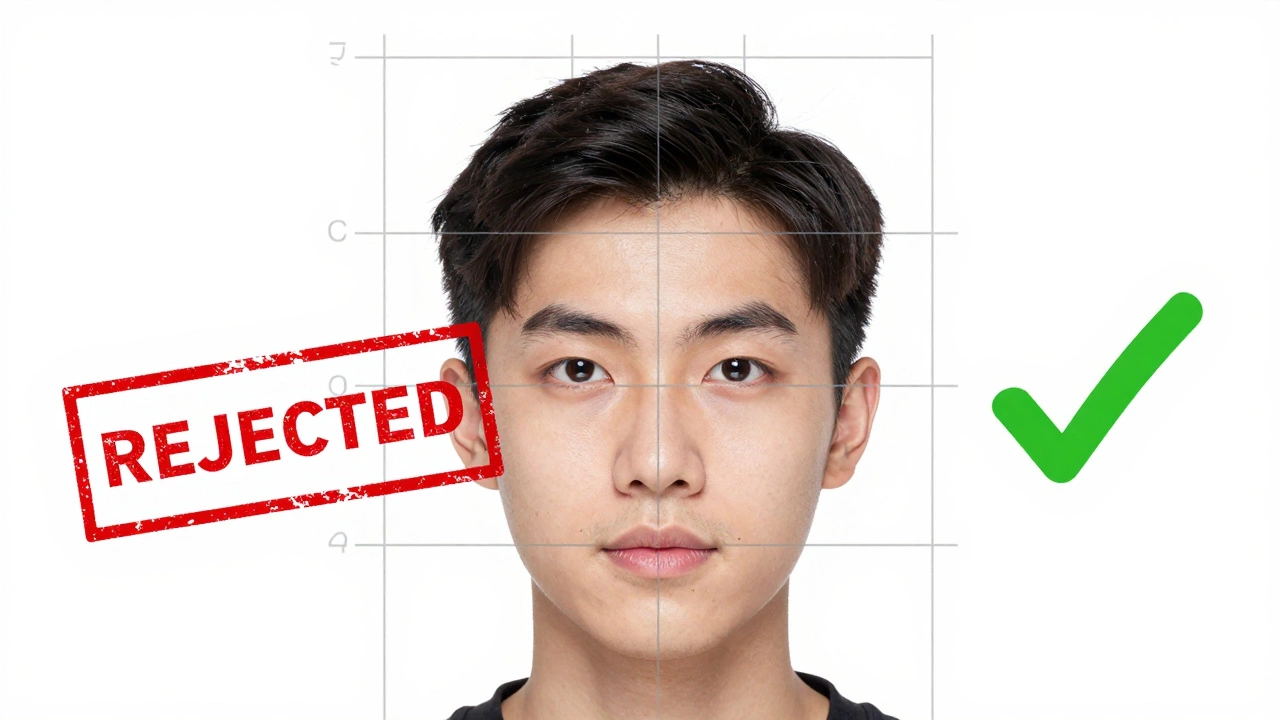
The biggest driver of cost isn’t the ink or the paper. It’s the strict, unforgiving rules set by government agencies like the U.S. Department of State or India's Ministry of External Affairs. These aren’t casual snapshots. They are legal documents.
If your eyes are slightly squinted, your head is tilted more than 3 degrees, or there’s a shadow under your chin, the application gets rejected. And when an application is rejected, you lose time and money. This creates a high-stakes environment where photographers charge a premium to guarantee acceptance.
| Issue | Impact on Cost/Service |
|---|---|
| Incorrect dimensions (e.g., not exactly 2x2 inches) | Requires precise cropping tools and verification software |
| Background color deviation | Needs pure white/off-white lighting setups, not natural light |
| Glasses glare or shadows | Often requires removing glasses, adding retake risk |
| Expression (smiling too much) | Strict neutral expression required; increases retake rate |
Professional studios invest in specialized lighting kits and background screens specifically to meet these criteria. A standard camera phone won’t cut it because it struggles with dynamic range-keeping your face evenly lit while ensuring the background remains pure white without overexposure. This technical requirement limits who can offer the service cheaply.
The Economics of Low Volume and High Overhead
Consider the business model of a local pharmacy or a mall kiosk. Their primary revenue comes from prescriptions, cosmetics, or retail goods. Passport photos are a side hustle, often handled by a staff member who is otherwise busy stocking shelves or serving customers.
However, the setup isn’t free. A dedicated passport photo booth is a self-service machine that captures, crops, and prints compliant ID photos. These machines cost thousands of dollars to lease or buy. Maintenance contracts add up. If a machine breaks down, the owner loses revenue until it’s fixed.
Furthermore, the volume is incredibly low. A busy pharmacy might sell ten sets of passport photos a week. To cover the electricity, the space rent, and the employee’s time spent managing the queue, they have to charge a high per-unit price. In economics, this is called "fixed cost allocation." Since the fixed costs (rent, equipment) don’t change whether they sell one photo or ten, each individual sale must carry a heavy markup to break even.
Convenience vs. DIY: The Price of Saving Time
You pay extra because you value your time. Getting a passport photo done professionally takes about five minutes. You walk in, get photographed, and walk out with printed copies ready to paste onto your form.
If you choose the do-it-yourself route, you trade money for effort. You need to:
- Find a plain white wall with good, even lighting.
- Set up a tripod or ask a friend to take the shot.
- Use editing software to crop the image to exact specifications (2x2 inches, head height between 1 inch and 1 3/8 inches).
- Print the photo on high-quality matte or glossy photo paper.
- Verify the print quality meets government standards (no pixelation, correct brightness).
For many people, especially those traveling internationally or dealing with visa applications for countries with stricter rules (like Schengen visas), the risk of rejection is too high. The $20 fee is essentially an insurance policy against bureaucratic delays.
Online Services: Disrupting the Market
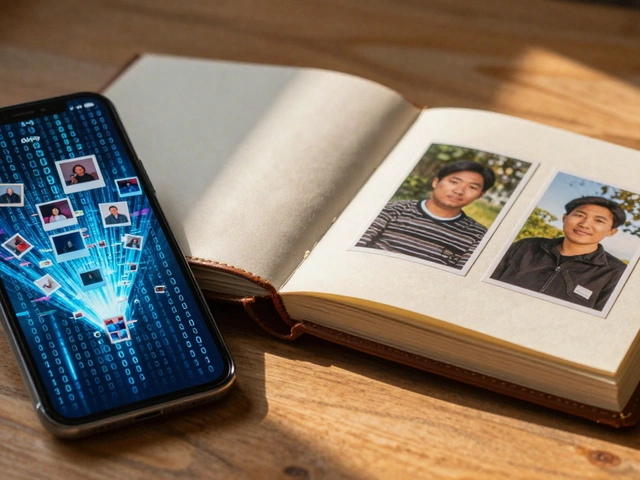
This is where the landscape changes. Online passport photo services are digital platforms that allow users to upload selfies and receive digitally verified, printable passport photos. Companies like PassportPhoto.id, IDPhoto4You, and various mobile apps have entered the market, undercutting physical kiosks.
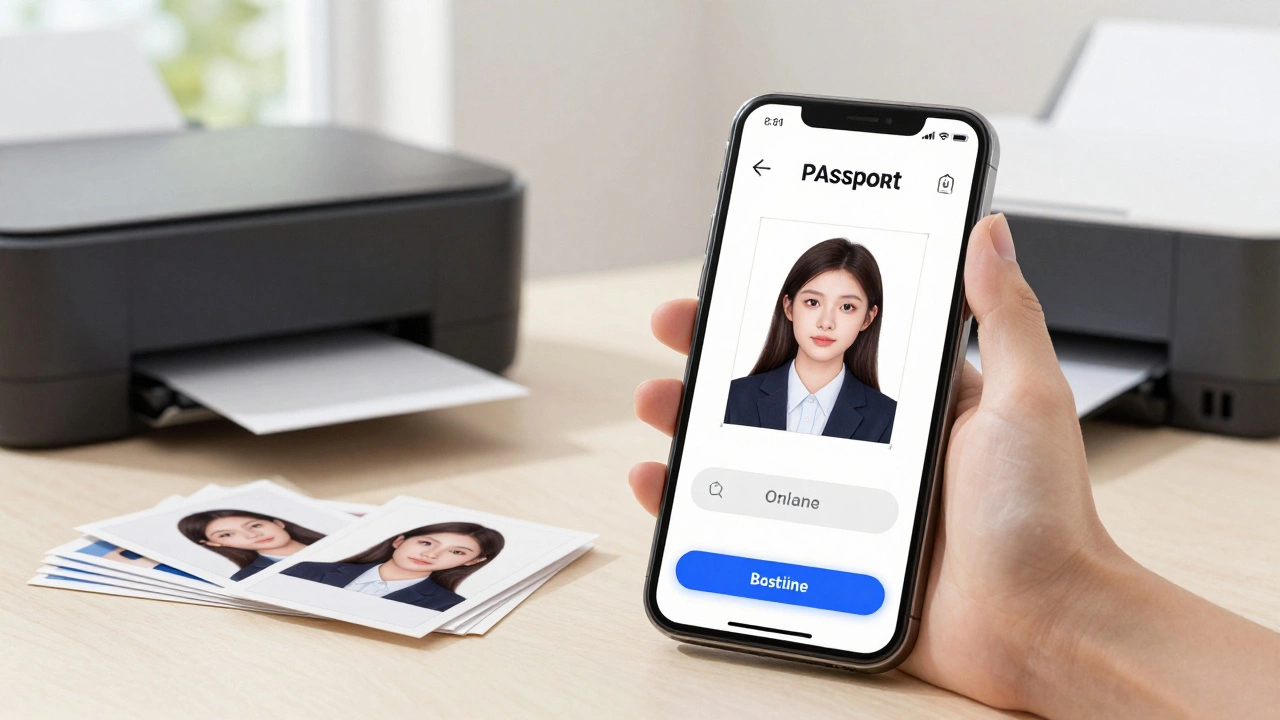
These services work by using AI algorithms to detect facial landmarks. They automatically adjust lighting, remove backgrounds, and crop the image to comply with specific country regulations. You pay a small fee (often $5-$10) for the digital file, which you can then print at home or at a local print shop for pennies.
Why are they cheaper? Because they eliminate the physical overhead. There are no rent costs for a booth, no maintenance fees for printers, and no staff salaries dedicated to taking photos. The marginal cost of processing one additional user is near zero. This allows them to offer competitive pricing while still making a profit through volume.
Printing at Home: Pitfalls and Pro Tips
If you decide to go the DIY route to save money, you must be meticulous. Most home printers are not calibrated for color accuracy, which leads to the most common failure: background color issues. The government requires a pure white or off-white background. If your printer adds a slight gray tint, your photo will be rejected.
Here is how to do it right:
- Lighting is key: Stand facing a window during the day. Avoid flash, which causes harsh shadows and red-eye.
- Background: Use a plain white sheet hung tautly behind you. Ensure no wrinkles cast shadows.
- Camera settings: Use a smartphone with at least 12 megapixels. Clean the lens. Set the resolution to high.
- Cropping: Use a trusted online tool to crop the image. Do not guess the dimensions. Measure the head size digitally.
- Paper quality: Use high-gloss or semi-gloss photo paper. Standard office paper absorbs ink and looks blurry.
Even with these steps, there is a risk. If you are applying for a visa to a country known for strict enforcement, such as Germany or Japan, professional verification is worth the extra cost.
The Future of Passport Photos
Interestingly, the entire concept of the physical passport photo is becoming obsolete. Many countries are moving toward biometric data captured directly at the embassy or consulate. In some cases, you can upload a digital photo directly to the application portal without ever printing anything.
In India, for example, the appointment system for passports now allows applicants to upload their own photos after scanning them at authorized centers, reducing the reliance on third-party kiosks. As technology improves, the gap between a selfie and a compliant ID photo shrinks. However, until every country adopts fully digital submission processes, the market for compliant photos will remain.
Until then, the choice is yours: pay the premium for guaranteed compliance at a kiosk, or invest time and caution into a DIY solution. Understanding why the price is what it is helps you make that decision with confidence, rather than frustration.
Can I use a selfie for my passport photo?
Generally, no. Selfies are taken at an angle, which distorts facial features. Government guidelines require a direct frontal view with the head centered. However, you can take a photo yourself if you use a tripod, ensure the camera is at eye level, and follow all other lighting and background rules strictly.
Are online passport photo services reliable?
Yes, most reputable online services use AI to verify compliance before you download the image. They often provide a guarantee that the photo will be accepted or they will refund your fee. Always check reviews and ensure the service supports the specific country’s requirements you are applying for.
Why do pharmacies charge so much for passport photos?
Pharmacies charge high prices due to low sales volume and high overhead costs. They must cover the cost of specialized equipment, rent, and labor. Since only a few customers buy passport photos daily, each transaction must generate a significant profit to justify the service offering.
What is the best paper type for printing passport photos at home?
Use high-quality glossy or semi-gloss photo paper. Matte paper can sometimes appear dull or lack contrast, leading to rejection. Glossy paper ensures vibrant colors and sharp details, but be careful of glare when submitting the physical copy. Ensure your printer is calibrated to avoid color shifts.
Do I need to wear glasses in my passport photo?
In many countries, including the US and UK, you are no longer allowed to wear glasses in passport photos due to glare and reflection issues. India also generally advises against wearing glasses unless medically necessary and accompanied by a certificate. Check the specific guidelines of the country issuing the passport.