Passport Photo Readiness Checker
Check each box as you verify your photo against the rules.
Status Assessment
Compliance Score
Key Takeaways
- Use a plain white or off-white background.
- Ensure even lighting to avoid shadows on your face or the wall.
- Use online cropping tools to hit the exact 2x2 inch dimensions.
- Print on high-quality glossy or matte photo paper.
The Rules of the Game
Before you snap a photo, you need to know what the government actually wants. If you ignore these, your application will get rejected, and you'll be back at square one. The 2x2 passport photo online is the standard for US passports and many visa applications. It isn't just about the size; it's about the composition.
Your head must be centered and occupy between 50% to 69% of the total image height. This means from the top of your hair to the bottom of your chin, there's a specific window of space. You also can't wear glasses-even if you wear them every day-unless you have a signed medical waiver. No hats, no headbands, and definitely no filters. Just your face, a neutral expression, and eyes open.
Setting Up Your Home Studio
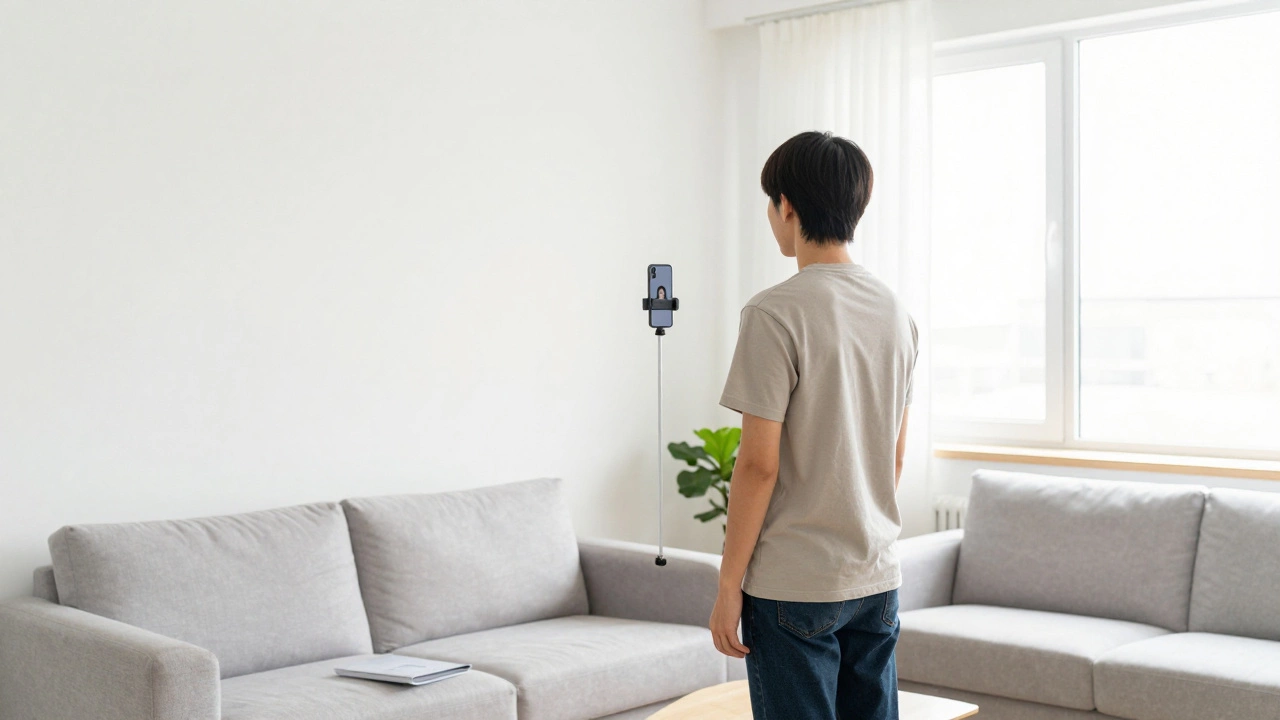
You don't need a softbox or a tripod, but you do need a strategy. The biggest mistake people make is standing directly against a wall, which creates a harsh shadow behind the head. Instead, stand about two feet away from a White Background (like a plain wall or a hung-up white sheet). This separates you from the wall and makes the background look clean and professional.
Lighting is where most DIY photos fail. Avoid overhead lights that create "raccoon eyes" (dark shadows in the sockets). Your best bet? Face a large window during the day. Natural light is the most forgiving and fills in the gaps. If you're doing this at night, use two lamps placed at 45-degree angles in front of you to eliminate shadows. If you see a shadow on the wall behind you, move further away from the wall or adjust your light source.
Taking the Perfect Shot
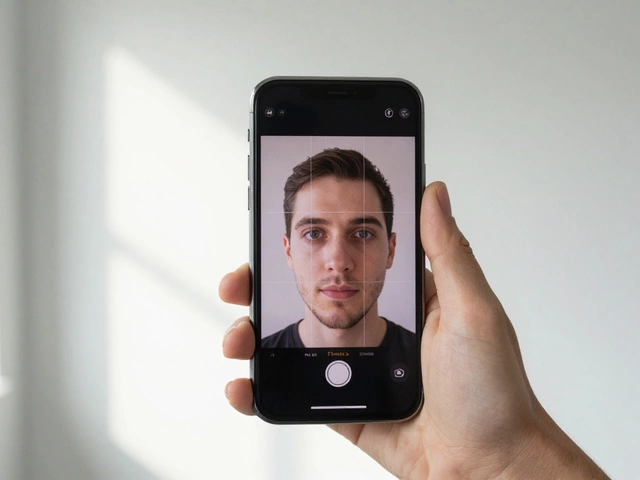
Don't take a selfie. Even the best front-facing cameras distort the face, making your nose look larger than it is. Instead, have a friend take the photo or use a tripod with a timer. Hold the phone at eye level-not higher and not lower. If the camera is tilted, your jawline will look off, and the photo might be rejected for poor alignment.
Keep your posture straight and your shoulders relaxed. Look directly into the lens. While you shouldn't be grinning like you're at a party, a natural, relaxed expression is better than a forced, robotic stare. Make sure there is plenty of space around your head and shoulders in the frame; you can always crop out the extra, but you can't add a background that isn't there.
Using Online Cropping Tools
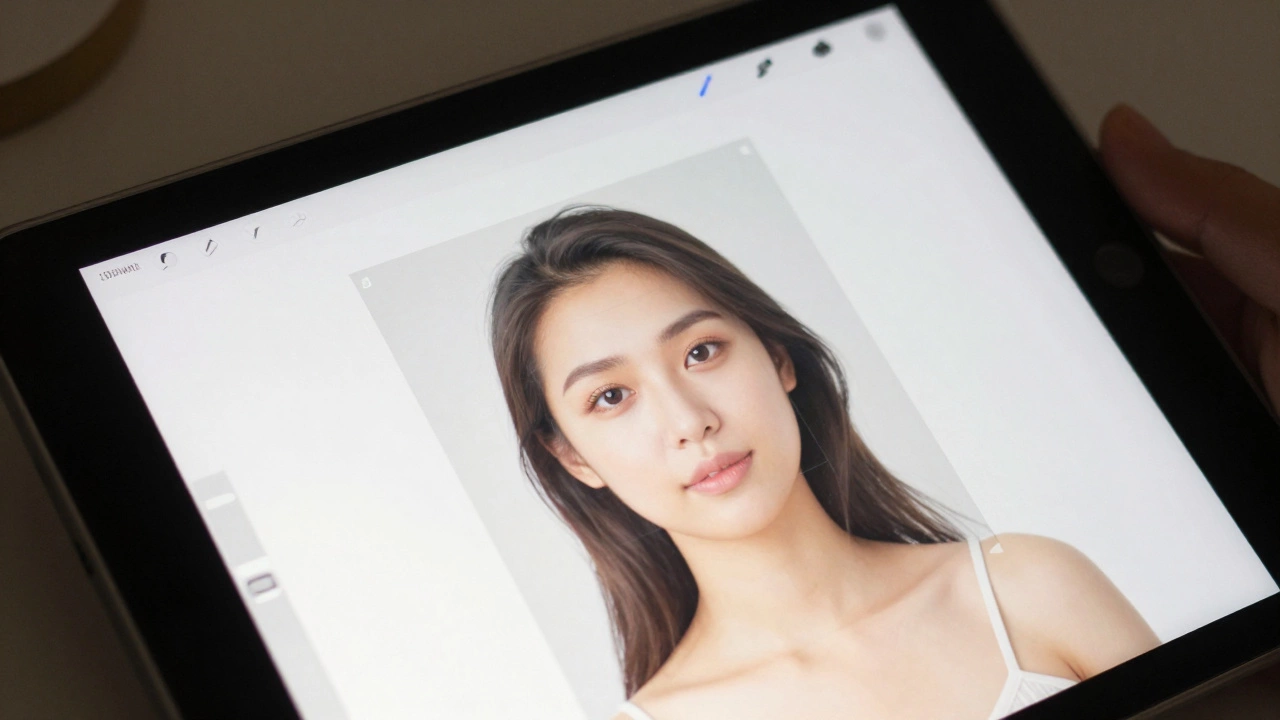
Once you have a clean photo, you need to turn it into a 2x2 inch square. You can do this manually in a photo editor, but it's risky. Using a specialized Passport Photo Tool is much safer. These tools provide an overlay-basically a digital stencil-that tells you exactly where your eyes and chin should sit.
| Method | Cost | Speed | Accuracy |
|---|---|---|---|
| Free Online Croppers | $0 | Fast | Medium (Manual) |
| Paid AI Generators | $5 - $15 | Instant | High (Auto-crop) |
| Retail Store (CVS/Walgreens) | $15 - $20 | Medium | High |
If you use a free tool, ensure the final output is a high-resolution JPEG. The standard resolution for a 2x2 inch photo at 300 DPI (dots per inch) is 600x600 pixels. If your image is blurry or pixelated, the passport office will toss it. Avoid using apps that "beautify" the skin, as altering your appearance is a violation of passport rules.
Printing Your Photos
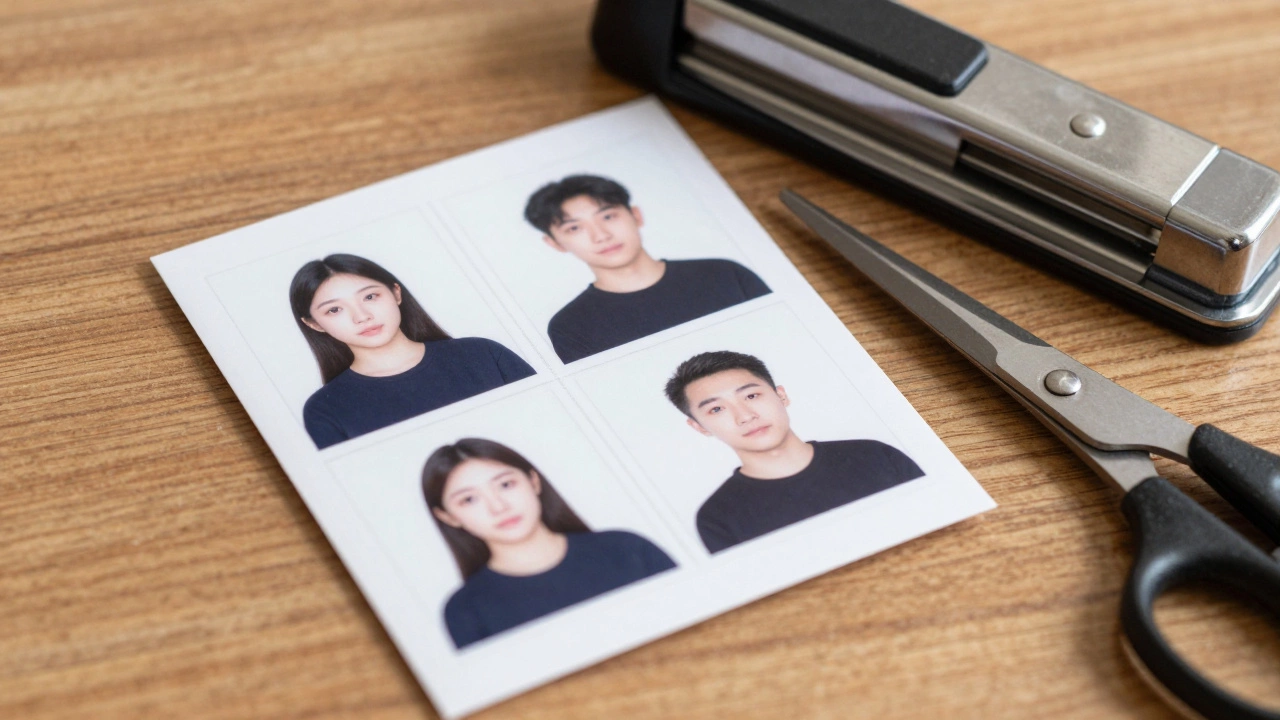
Now that you have a digital 2x2 image, you need a physical copy. Printing a single 2x2 photo at a shop is expensive. A pro tip is to create a 4x6 inch layout (a standard photo size) and place your 2x2 photos on that grid. You can fit six passport photos on one 4x6 print for a few cents.
Use Photo Paper. Do not use standard printer paper or cardstock. The government requires a specific finish-usually glossy or matte-that doesn't reflect too much light. If you're printing at home, make sure your ink levels are full to avoid streaks. If you're using a kiosk at a pharmacy, select the "4x6 print" option and then trim the photos manually with a paper cutter or a steady hand and a pair of scissors.
Common Pitfalls to Avoid
The most common reason for rejection is the "shadow effect." This happens when the light is coming from above, leaving a dark crescent on the wall behind the person. Always check the background for any gradients or shadows before you move on to the cropping phase. Another frequent error is the "cutoff." People often crop the photo too tightly, removing the top of their hair or the edge of their shoulders.
Also, be mindful of your clothing. While there is no specific dress code, avoid wearing white. If you wear a white shirt against a white background, you'll look like a floating head. A dark or brightly colored shirt provides a clear contrast that makes the photo look professional and clearly defines where your shoulders end and the background begins.
Can I use a selfie for my passport photo?
It is strongly discouraged. Front-facing cameras cause a wide-angle distortion that can change the perceived shape of your face. It's much better to have someone else take the photo or use a tripod with a timer from at least 4-6 feet away.
What if I have a gap in my teeth or a scar?
Leave them. You are not allowed to digitally retouch your photo to remove scars, moles, or gaps. The photo must be an authentic representation of how you look. Using Photoshop to "clean up" your face can lead to your application being denied.
Do I need to print it on specific paper?
Yes, you must use photo-quality paper. Glossy or matte is acceptable. Standard office paper is too absorbent and will cause the ink to bleed, making the image blurry and unacceptable for government standards.
Can I wear a hijab or turban for religious reasons?
Yes, you can wear head coverings for religious or medical reasons, but your full face must be visible. The covering should not cast shadows on your face, and you should not wear any accessories that obscure your features.
Is a 2x2 photo the same as a passport photo in other countries?
Not necessarily. While the US uses 2x2 inches, many other countries (like the UK or India) use 35x45mm. Always check the specific requirements of the country you are applying to, as dimensions vary globally.
Next Steps for Success
If you've just finished your photo and aren't sure if it's right, use an online validator tool. Many government websites have a "Photo Tool" that allows you to upload your image and checks if the head is the right size. If it's slightly off, just adjust the crop and re-export.
For those who aren't confident in their trimming skills, consider using a 4x6 template from a free online generator. This ensures that when you print the sheet, you have clear lines to cut along, meaning you won't accidentally trim off part of your chin or hair. Once you have your prints, store them in a folder or envelope to keep them from bending or getting fingerprints on the surface, as any damage to the photo can result in a rejection at the passport office.