Walgreens Photo Finish Finder
Product Availability Checker
Check if a specific Walgreens photo product supports matte printing.
Finish Recommendation Tool
Not sure which finish to choose? Select your scenario for a recommendation.
Quick Reference Guide
| Finish | Best For | Avoid If... |
|---|---|---|
| Matte | Framed art, B&W portraits, high-glare rooms | You want maximum color vibrancy outdoors |
| Glossy | Vivid landscapes, outdoor displays, standard snapshots | The photo will be behind glass or in bright light |
| Luster/Satin | Archival albums, general use, balanced look | You need zero reflection or extreme saturation |
You’re holding a beautiful portrait of your family. It’s crisp, the lighting is perfect, and you want to frame it or put it in an album. But then you hit a snag: do you go for that shiny glossy look that makes colors pop, or the subtle, non-reflective matte finish that looks more like a traditional photograph? If you’re standing in line at Walgreens-or scrolling through their app-you might be wondering if they even offer matte prints. The short answer is yes, but with some important caveats depending on what exactly you are trying to print.
Most people assume every photo printer offers every finish. That’s not true. Walgreens has specific rules about which products support matte paper. If you try to order a standard 4x6 snap from the kiosk, you might only see glossy. But if you switch to canvas, magnets, or certain large-format prints, matte becomes a viable option. This guide breaks down exactly where you can get matte photos at Walgreens, why you might want them, and how to avoid getting stuck with a finish you didn’t ask for.
Where You Can Actually Get Matte Prints
It’s frustrating when you select "Matte" online, only to find out later that your small snapshots came back glossy. Here is the breakdown by product type so you know what to expect before you pay.
| Product Type | Glossy Available? | Matte Available? | Notes |
|---|---|---|---|
| Standard Snapshots (4x6, 5x7) | Yes | No | Typically high-gloss only at kiosks and online for basic sizes. |
| Canvas Prints | Yes | Yes | Matte is often the default or preferred choice for art-like appearance. |
| Magnets & Coasters | Yes | Yes | Matte reduces glare on fridge doors and tables. |
| Poster Prints | Yes | Yes | Matte is highly recommended for framed posters to avoid reflections. |
| Photo Books | Yes | Layflat/Premium | Premium books often use semi-matte or satin finishes, not pure matte. |
Notice a pattern? Standard snapshots-the ones you’d grab for a quick scrapbook page-are almost exclusively glossy at Walgreens. If you want a matte finish for those small sizes, you usually have to look elsewhere or buy premium paper separately. However, for anything larger or decorative, matte is widely available and often better looking.
Why Choose Matte Over Glossy?
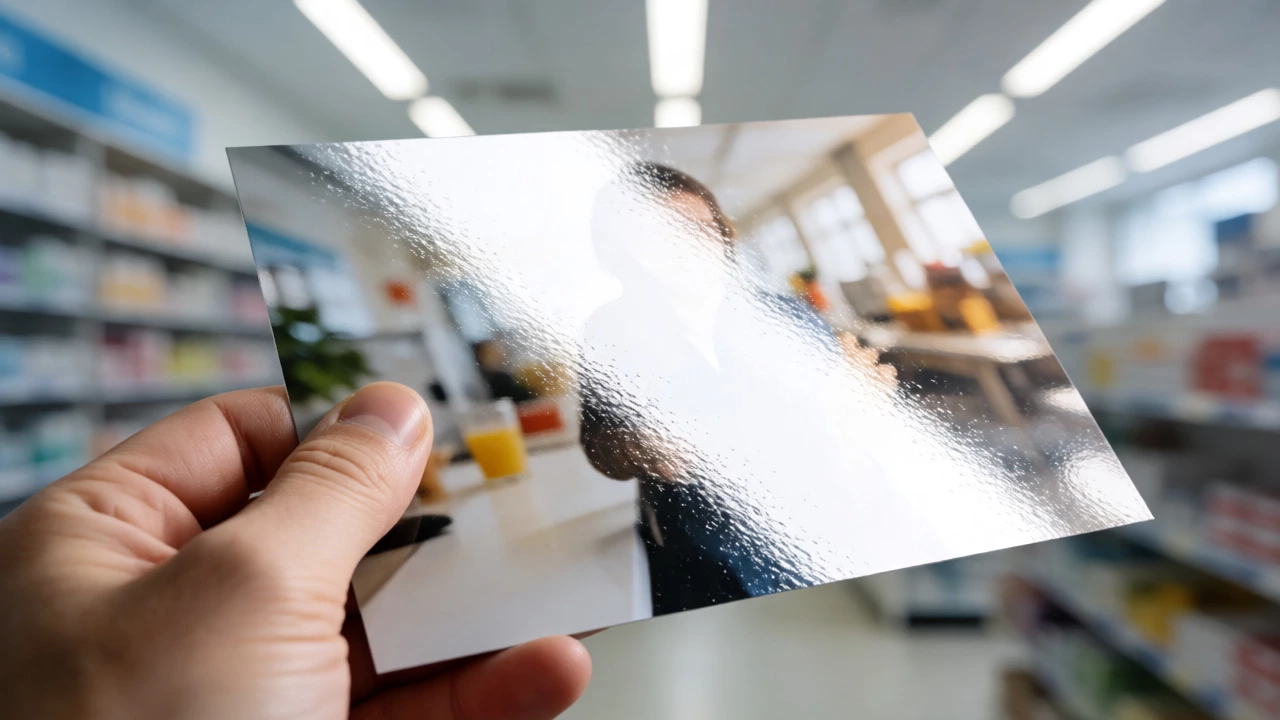
So, why bother switching? Isn’t glossy just... clearer? Not always. While glossy paper uses a coating that reflects light directly, making colors appear saturated and blacks deep, it also acts like a mirror. Have you ever tried to look at a glossy photo under a bright kitchen light? You spend more time moving the picture around than looking at it.
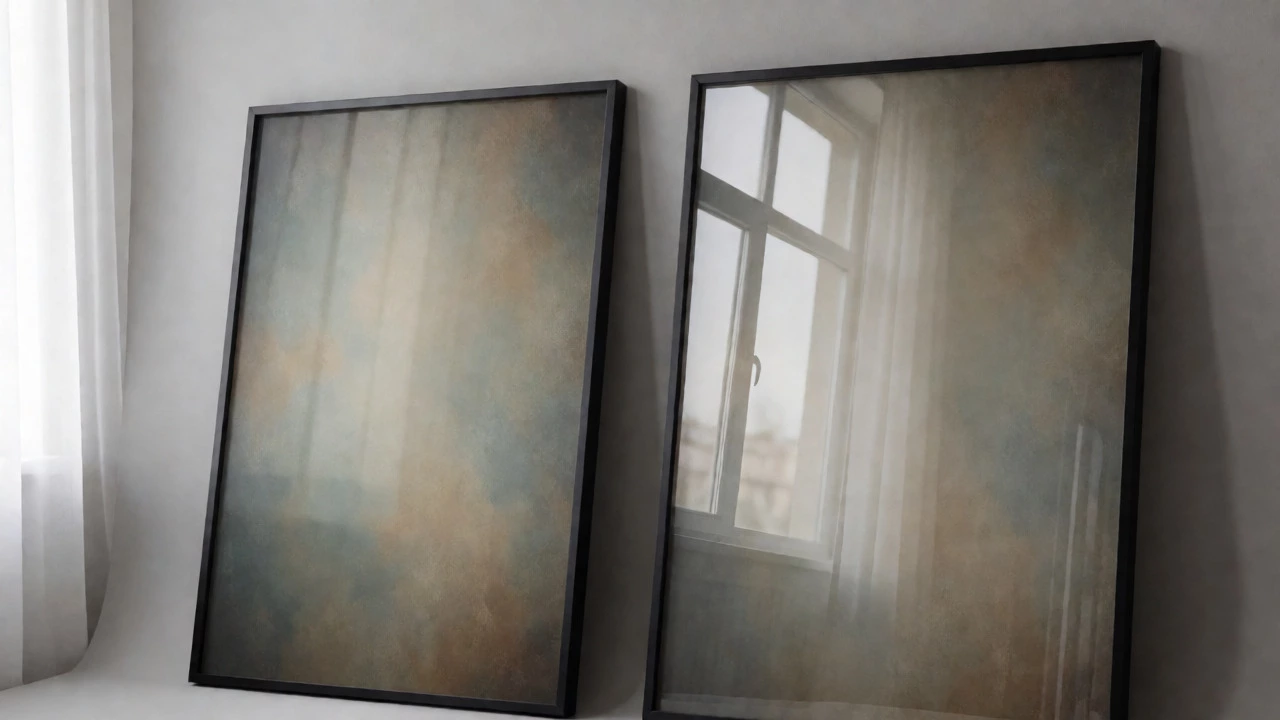
Matte paper is a type of photo paper with a textured, non-reflective surface. It diffuses light rather than reflecting it. This creates several practical advantages:
- Glare Reduction: Perfect for rooms with lots of windows or overhead track lighting.
- Fingerprint Resistance: Matte surfaces hide smudges much better than glossy ones. Great for kids’ albums or magnets handled frequently.
- Artistic Look: Matte gives images a softer, more vintage or painterly feel. It’s less "digital" and more "photographic."
- Easier Writing: If you plan to write dates or names on the back (or front) of the photo, ink sticks better to matte.
However, there is a trade-off. Matte prints can sometimes look slightly less sharp or vibrant because the texture scatters light. Colors may appear muted compared to glossy. For landscape shots with vivid blues and greens, glossy often wins. For portraits, black-and-white images, or indoor scenes, matte usually looks more natural and professional.
How to Order Matte Photos at Walgreens
Ordering correctly saves you time and money. Here’s how to navigate the process without accidentally ordering glossy prints.
- Select Your Product First: Don’t just upload photos. Decide if you want a Canvas, Magnet, Poster, or Standard Print. As noted above, standard prints rarely offer matte.
- Check the Options Menu: When customizing your item (especially for Posters or Canvases), look for a dropdown labeled "Finish," "Paper Type," or "Surface." Select "Matte." If you don’t see it, that product likely doesn’t support it.
- Use the App for Precision: The Walgreens mobile app often provides clearer previews of finish options than the website. Upload your image and tap through the customization steps carefully.
- Ask at the Counter: If you are using a self-service kiosk, you might miss subtle options. Hand your drive to a clerk and explicitly say, "I need these printed on matte paper." They can override system defaults if the hardware supports it for your size.
A common pitfall: Users often confuse "Luster" with "Matte." Luster is a semi-gloss finish-it’s somewhere in between. It has slight texture but still reflects some light. Walgreens sometimes labels this as "Premium" or "Satin." If you hate all reflection, double-check that the label says "Matte," not "Luster."
Matte vs. Glossy vs. Luster: Which One Do You Need?
Choosing the right finish depends entirely on how you’ll display the photo. Let’s break it down by scenario.
| Scenario | Recommended Finish | Reason |
|---|---|---|
| Framed Wall Art | Matte | Glass frames add their own glare; matte prevents double-reflection. |
| Scrapbooking | Matte or Luster | Ink pens write easily on matte; luster resists yellowing over decades. |
| Fridge Magnets | Matte | High traffic area; matte hides fingerprints and oil from hands. |
| Bright Outdoor Display | Glossy | Sunlight washes out matte colors; glossy maintains saturation outdoors. |
| Black & White Portraits | Matte | Enhances tonal range and avoids distracting highlights. |
If you are unsure, test it. Order one small poster in matte and one in glossy. Compare them under your home lighting. You’ll quickly realize which style fits your aesthetic.
Troubleshooting Common Matte Print Issues
Even when you order correctly, things can go wrong. Here are fixes for frequent complaints.
My matte print looks blurry.
This isn’t always the paper’s fault. Matte paper absorbs more ink than glossy. If the file resolution is low, the absorption spreads the pixels, causing softness. Ensure your source image is at least 300 DPI at the print size. For a 8x10 matte print, your file should be roughly 2400x3000 pixels.
The colors look dull.
Matte naturally lowers contrast. To combat this, edit your photo before printing. Increase the "Contrast" slider by 5-10% and boost "Saturation" slightly. What looks too punchy on screen will look balanced on matte paper.
I ordered matte, got glossy.
Check your receipt. Did you select a "Premium" package? Sometimes bundles default to glossy for cost savings. If you paid extra for matte, take the receipt and the photos to customer service. They can reprint it for free. Note: Standard 4x6 orders often cannot be changed to matte after checkout because the machines load different trays.
Alternatives If Walgreens Doesn’t Offer Matte for Your Size
If you specifically need small matte snapshots (like 4x6s) and Walgreens only offers glossy, you have two options:
- Buy Specialty Paper: Purchase packs of matte photo paper compatible with your home inkjet printer. Brands like HP or Canon sell affordable packs. Print at home for full control.
- Try Other Retailers: Some competitors specialize in archival-quality matte prints for smaller sizes. Check local independent print shops-they often have higher-end paper stocks than big-box stores.
For most users, though, sticking to Walgreens for canvases, posters, and magnets is perfectly fine. Just remember: no matte for basic snapshots.
Does Walgreens offer matte finish for 4x6 prints?
Generally, no. Standard 4x6 snapshots at Walgreens are typically printed on high-gloss paper. Matte options are usually reserved for larger formats like posters, canvases, magnets, and specialty photo products.
Is matte paper more expensive than glossy at Walgreens?
Often, yes. Matte paper costs more to produce and handle. You might see a price increase of $0.10 to $0.50 per print, or a higher base price for items like canvas prints with a matte finish.
What is the difference between matte and luster finish?
Matte has zero gloss and a noticeable texture, reducing all reflections. Luster (or Satin) has a slight sheen and smoother texture. Luster offers a middle ground, providing some color vibrancy while minimizing glare compared to high-gloss.
Can I request matte prints at the Walgreens photo counter?
You can ask, but availability depends on the machine and product size. For standard snapshots, the answer is usually no. For posters and canvases, staff can ensure the matte setting is selected if it wasn't chosen online.
Do matte photos fade faster than glossy ones?
Not necessarily. Modern archival matte papers are designed to resist fading for decades. In fact, because matte reduces UV reflection, it can sometimes preserve color integrity better in brightly lit rooms than glossy prints.