Photoshop Cost Comparison Tool
Compare Adobe Photoshop subscription costs with free alternatives based on your location and usage.
Many people think Photoshop is free-especially after seeing it on YouTube tutorials, Instagram edits, or friend’s phones. But here’s the truth: Photoshop isn’t free to use legally. If you want the real Adobe Photoshop, you have to pay. No hidden tricks, no cracked versions that won’t get you in trouble, no forever-free trials that magically last years. Adobe made it clear: Photoshop is a subscription-only tool now.
Photoshop Isn’t Sold Anymore-It’s Rented
Before 2013, you could buy Photoshop as a one-time purchase. Pay $600, install it, and use it forever. That’s gone. Today, Adobe only offers Photoshop through its Creative Cloud subscription. You don’t own it. You rent it. If you stop paying, the software stops working. No more opening files. No more editing. It just locks up.
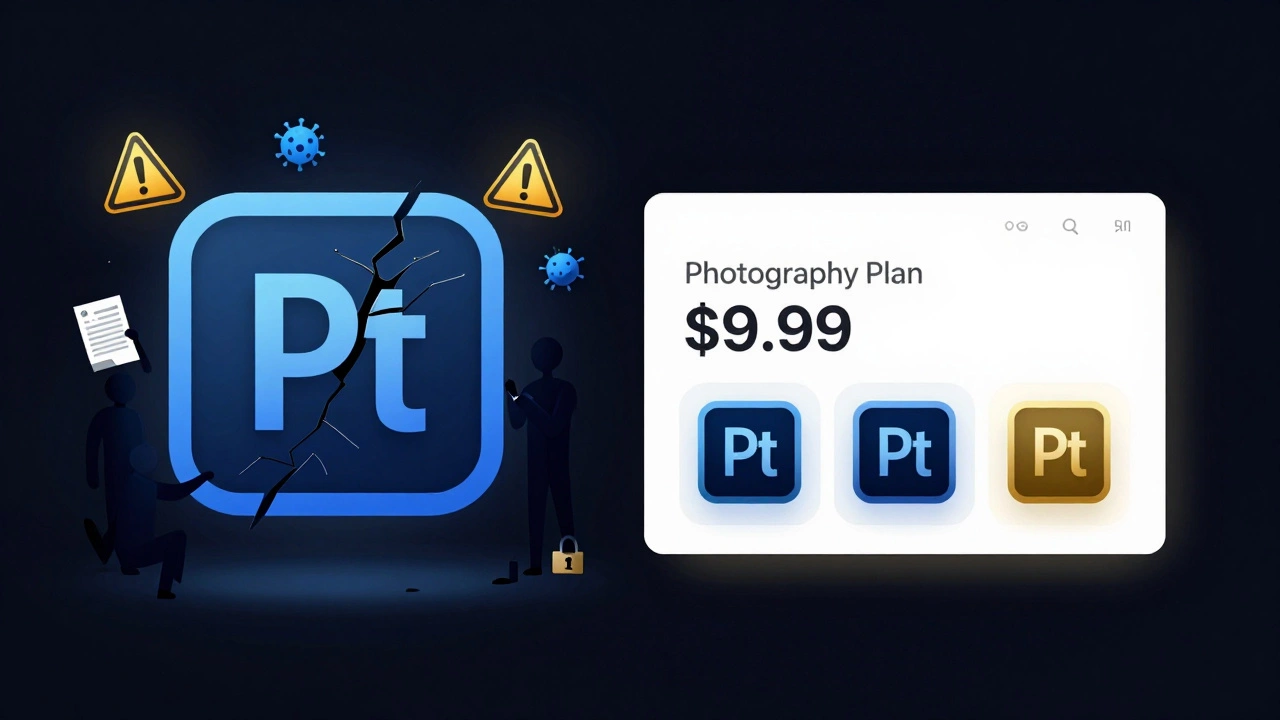
The cheapest plan that includes Photoshop is the Adobe Photography Plan. It costs $9.99 per month in the U.S., and about ₹830 per month in India (after taxes). That gives you Photoshop and Lightroom. That’s it. No Illustrator, no Premiere Pro, no After Effects. Just the two apps most photographers and editors actually use.
That’s cheaper than your monthly coffee habit. But if you think you can get Photoshop for free, you’re probably looking at fake downloads or pirated versions. Those come with risks: malware, data theft, no updates, and no customer support. In India, where many rely on pirated software, Adobe has cracked down hard. Thousands of users have received legal notices. It’s not worth the risk.
What About Free Versions of Photoshop?
Adobe does offer a free version-but it’s not Photoshop. It’s called Photoshop Express. You can download it on your phone or use it in your browser. It’s lightweight, simple, and good for quick fixes: cropping, filters, brightness tweaks, removing red-eye. But it’s not the full Photoshop. You can’t use layers properly. You can’t do advanced masking. You can’t remove backgrounds with precision. You can’t use the pen tool or content-aware fill.
Think of Photoshop Express like a basic calculator. It’s handy for simple math. But if you need to run a budget forecast or build a financial model, you need Excel. Same logic applies here.
There’s also Photoshop for iPad, which costs $9.99/month separately. It’s a full version, but only works on Apple tablets. Not a free option. And no, you can’t use your desktop license on the iPad unless you’re on the same subscription plan.
What Are the Real Alternatives to Photoshop?
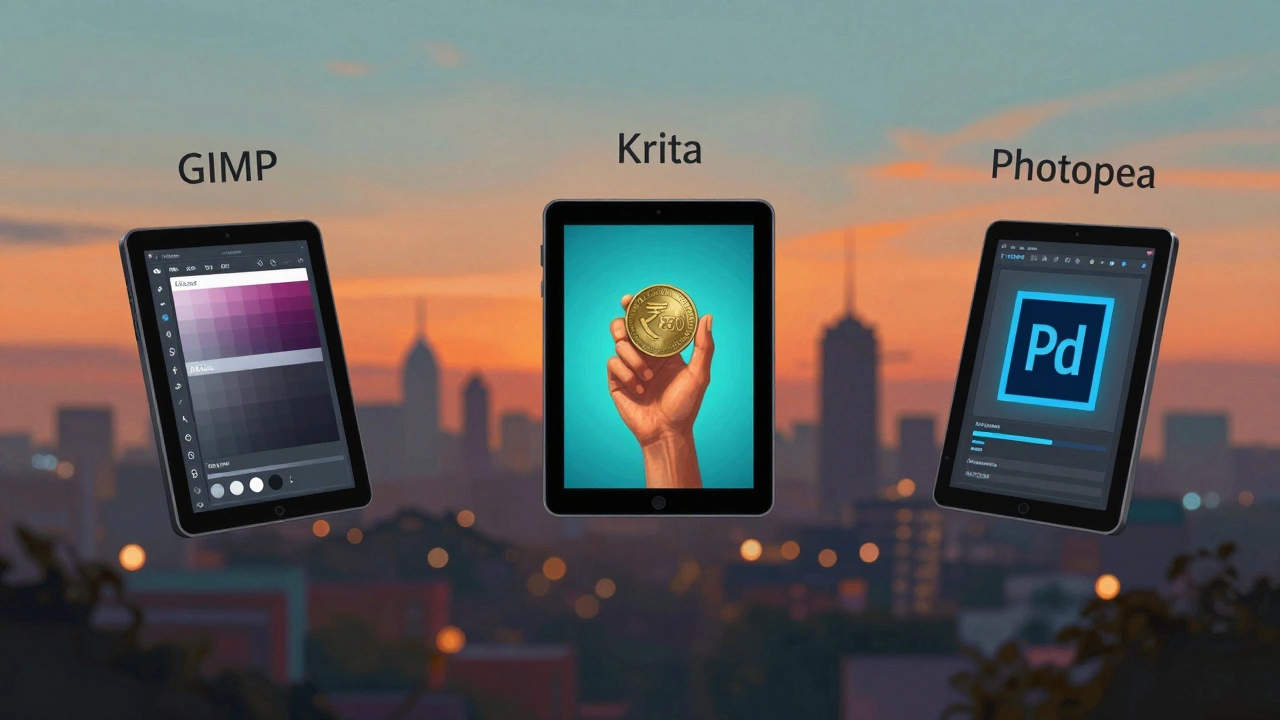
If $10/month feels steep, there are legit free alternatives that do a lot of what Photoshop does. Here are the top three:
- GIMP - Free, open-source, and runs on Windows, Mac, and Linux. It’s old-school in design, but it supports layers, masks, plugins, and advanced retouching. Many professional photographers use it for basic to mid-level editing. It doesn’t have Adobe’s AI tools, but it’s powerful if you’re willing to learn.
- Krita - Originally made for digital painters, Krita is great for photo manipulation too. It has a clean interface, powerful brush engine, and supports PSD files (Photoshop’s native format). It’s free and open-source. Great for artists who edit photos as part of their workflow.
- Photopea - This one’s a surprise. It’s a free web app that looks and feels exactly like Photoshop. Open a PSD file? It loads. Use layers? Check. Pen tool? Works. No download needed. Just go to photopea.com and start editing. It’s not perfect-some filters lag, and it doesn’t have Adobe’s AI features-but for 90% of everyday edits, it’s shockingly close.
None of these are perfect replacements. But if you’re a student, hobbyist, or small business owner who doesn’t need enterprise-level tools, they’ll do the job. And they won’t charge you a cent.
Who Actually Needs to Pay for Photoshop?
You don’t need Photoshop if you’re just posting on Instagram or editing family photos. You don’t need it if you’re a blogger tweaking product images. You don’t need it if you’re learning photo editing for fun.
But if you’re doing this for work, you might need it:
- You’re a professional photographer delivering client-ready images
- You work in graphic design, advertising, or publishing
- You need to edit PSD files from clients or agencies
- You rely on Adobe’s AI tools like Neural Filters, Object Selection, or Sky Replacement
- You need consistent color profiles for print or commercial work
In these cases, Photoshop isn’t a luxury-it’s a requirement. Clients expect PSD files. Print shops need CMYK color profiles. Agencies use Adobe’s ecosystem. Switching tools breaks workflows. That’s why businesses pay.
Even freelancers in India earning ₹50,000+ a month from photo editing services often pay for Photoshop. Why? Because clients won’t accept files from GIMP or Photopea. It’s not about quality-it’s about compatibility.
Is There a Way to Get Photoshop for Free?
Yes-but only through official channels.
Adobe offers free access to Creative Cloud apps for students and teachers through their Adobe Education Plan. If you’re enrolled in a school, college, or university, you can get Photoshop and Lightroom free for as long as you’re a student. Just verify your .edu email or student ID. No credit card needed.
Some nonprofits and NGOs also qualify for discounted or free licenses through Adobe’s charitable programs. It’s not widely advertised, but it exists.
And yes-Adobe sometimes runs free trials. The 7-day trial gives you full access to Photoshop. But after that? You must pay. No extensions. No loopholes. Don’t count on this as a long-term solution.
What Happens If You Use a Cracked Version?
It’s tempting. You see a YouTube video titled “Free Photoshop 2025 Download.” You click. You install. It works. For a while.
Then your computer slows down. Ads pop up. Your photos get corrupted. Your antivirus flags Photoshop as a threat. You can’t update it. You can’t open new file formats. Adobe blocks the cracked version from connecting to servers. Your files become unreadable.
In India, Adobe has partnered with local authorities to track illegal software use. In 2024, over 12,000 illegal software users received warning letters. Some were fined. Others had their internet access restricted. It’s not just a moral issue-it’s a legal one.
And if you’re running a business? Using cracked software can void your insurance, trigger audits, or even lead to lawsuits. That’s not worth saving $10 a month.
Should You Pay for Photoshop?
Here’s the simple answer:
- Pay if you’re a professional, use it for work, need compatibility, or rely on Adobe’s AI tools.
- Don’t pay if you’re a hobbyist, edit casually, or are happy with free tools like GIMP, Krita, or Photopea.
There’s no shame in using free tools. Many top photographers started with GIMP. Many designers still use Photopea for quick edits. The best tool isn’t the most expensive one-it’s the one that gets the job done without breaking your budget.
But if you’re serious about editing, and you want the most powerful, reliable, and widely accepted tool in the industry? Then yes-you need to pay. And $10 a month is one of the cheapest professional tools you’ll ever buy.
Can I get Photoshop for free as a student?
Yes. Adobe offers free access to Photoshop and Lightroom for verified students and teachers through the Adobe Education Plan. You need a valid school or university email address to sign up. The license lasts as long as you’re enrolled.
Is Photopea really like Photoshop?
Yes, surprisingly. Photopea mimics Photoshop’s interface almost exactly. It opens PSD, AI, and XD files. It supports layers, masks, adjustment layers, and most keyboard shortcuts. The main differences are: no AI-powered tools like Neural Filters, slower performance with large files, and no offline access. But for 90% of edits, it’s a perfect free substitute.
Why can’t I download Photoshop for free from Adobe’s website?
Adobe stopped selling one-time licenses in 2013. Now, Photoshop is only available through subscription. The free version they offer is Photoshop Express-a simplified mobile and web app. The full desktop version requires a paid Creative Cloud plan. Any site offering a free full download is distributing pirated software.
Does Photoshop work on Mac and Windows the same way?
Yes. The desktop version of Photoshop runs identically on both macOS and Windows. The interface, tools, and features are the same. The only differences are minor keyboard shortcuts (Command vs. Ctrl) and how some plugins install. Performance depends more on your hardware than your operating system.
What’s the cheapest way to get Photoshop in India?
The cheapest way is the Adobe Photography Plan at ₹830/month (as of 2025). This includes Photoshop and Lightroom. If you’re a student, you can get it for free. Otherwise, avoid third-party sellers claiming to offer lifetime licenses-they’re scams. Always subscribe directly through Adobe’s official website.